15 Best Passwordless Authentication Solutions for Enterprises in 2026
A 2026 buyer's guide to enterprise passwordless authentication, segmented by workforce type. Compare 15 vendors across desk, frontline, contractor, and customer use cases.
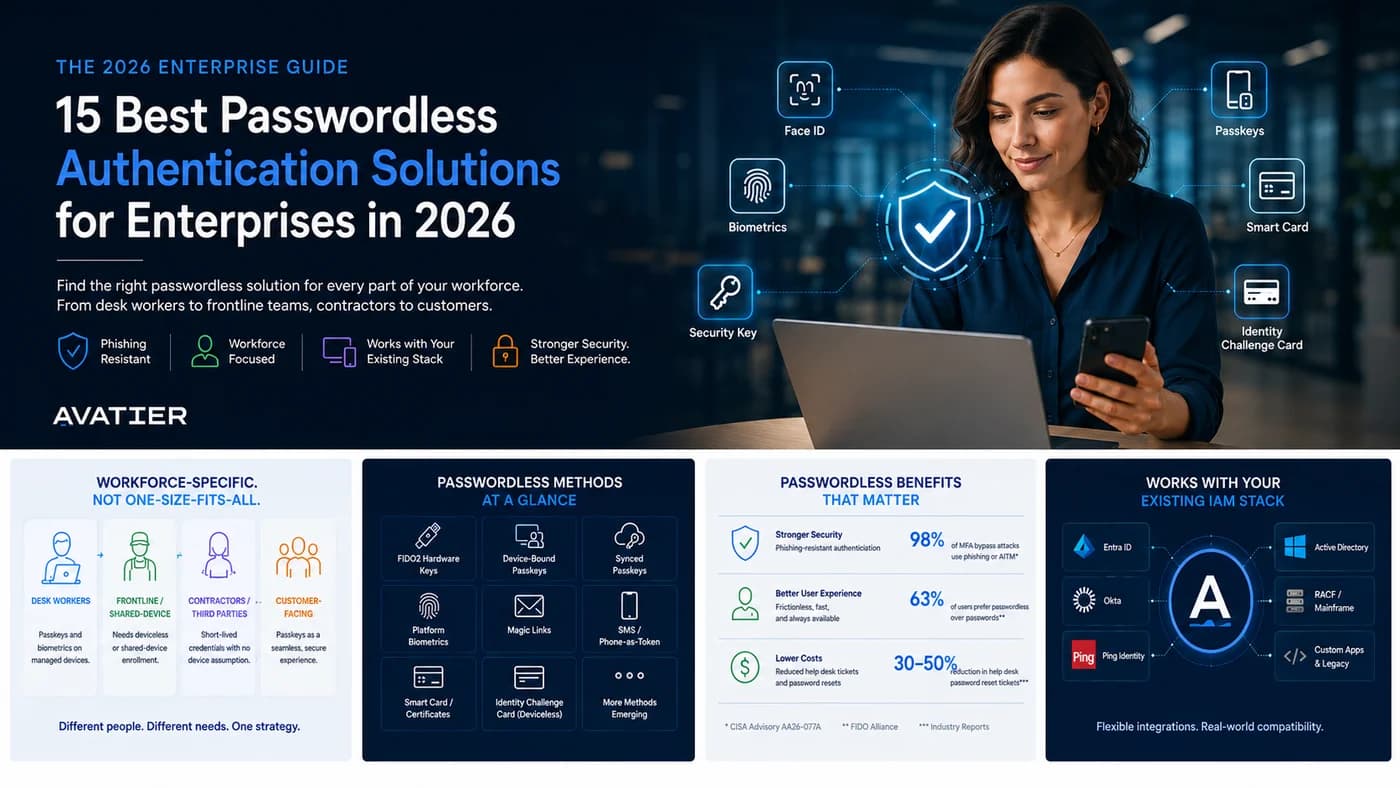
A 2026 buyer's guide to enterprise passwordless authentication, segmented by workforce type. Compare 15 vendors across desk, frontline, contractor, and customer use cases.
Most passwordless guides assume every user has a smartphone. They do not cover the mainframe operator, the shared nurses' station, or the contractor who hands the badge back on Friday. This one does. After cataloguing fifteen of the strongest enterprise passwordless platforms — and comparing them honestly on what each one is good at and what each one is not — the harder question is not which vendor to pick. It is which combination of vendors covers your actual workforce.
This is the second buyer's guide in our authentication series, following the Best Multi-Factor Authentication Solutions for Enterprises in 2026. The MFA guide answers how to stack factors well. This one answers how to eliminate the password entirely — and where that ambition runs into operational reality.
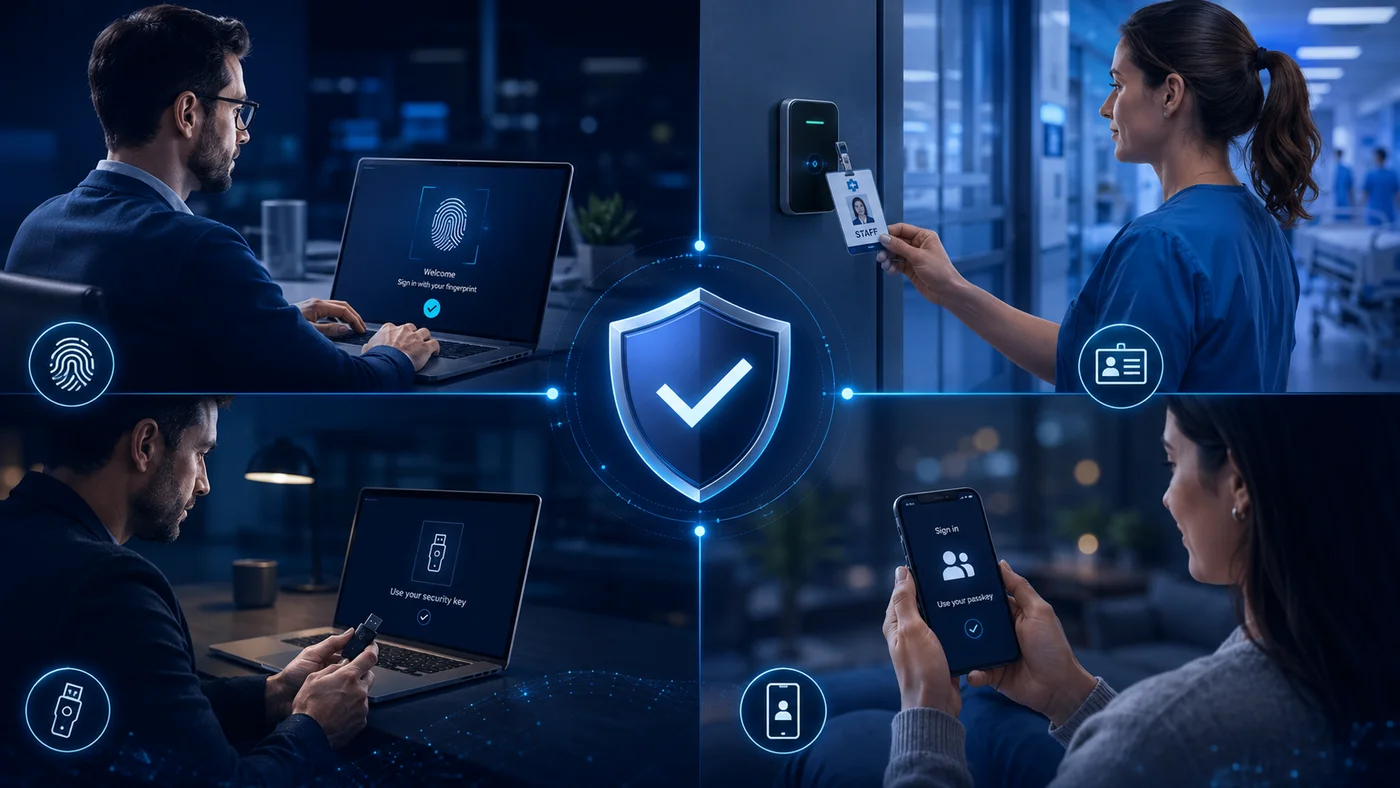 Four workforce realities, one identity strategy. The hard part of passwordless is not the cryptography — it is matching the right method to each segment of your workforce.
Why passwordless looks different in 2026
Three forces have reshaped the passwordless conversation since 2024. CISA published its Secure-by-Design Pledge and the federal phishing-resistant MFA baseline under OMB M-22-09 — making phishing-resistant authentication a procurement requirement, not an aspiration. NIST SP 800-63B's revisions clarified which authenticator types reach AAL2 versus AAL3, making per-method assurance arguments testable. And adversary-in-the-middle (AiTM) attacks shifted from research papers to commodity tooling, breaking SMS, voice OTP, and push-only methods at scale.
The combined effect: phishing-resistance is now the bar. FIDO2 — and its consumer-facing variant, passkeys — sits at the centre of every credible passwordless deployment. But "credible deployment" is doing a lot of work in that sentence, because a FIDO2 credential on a personal smartphone is a different security artifact from a FIDO2 credential bound to a hardware token, and both are different from a deviceless smart card carried by a contractor. Vendors lean toward whichever method they sell. Buyers have to think about which method actually works for each workforce segment.
This guide is structured around that distinction. Avatier is a CISA Secure-by-Design Pledge signatory and publishes its compliance posture — SOC 2 Type II with zero exceptions, ISO/IEC 27001:2022, PCI DSS v4.0.1, CSA STAR Level 1, NIST 800-53 Rev. 5 alignment — on its trust center. We refer to those certifications when relevant below. We also flag the equivalent certifications for the other vendors when they have published them.
How to read this guide
The vendor list below is alphabetical, not a ranking. There is no universally "best" passwordless platform — the right pick depends on your workforce profile, your existing IAM stack, and which regulated frameworks you have to satisfy. Reading this as a ranking will give you the wrong answer; reading it as a comparison matrix will give you the right one.
Each vendor entry follows the same five-question template: what it is, how it authenticates, standards and assurance, honest trade-offs, and where it fits in your stack. The "honest trade-off" line is the differentiator readers tell us they cannot find elsewhere. Every vendor — including Avatier — gets one line acknowledging where it is not the right fit. That column is what makes this a buyer's guide rather than a sales pitch. If a vendor's trade-off line surprises you, it should — most vendor listicles paper over the same trade-offs that determine which deployments succeed.
The closing section maps vendors to four workforce segments — desk workers, frontline and shared-device, contractors and third parties, customer-facing CIAM. Use that section once you have read the comparison; do not start there.
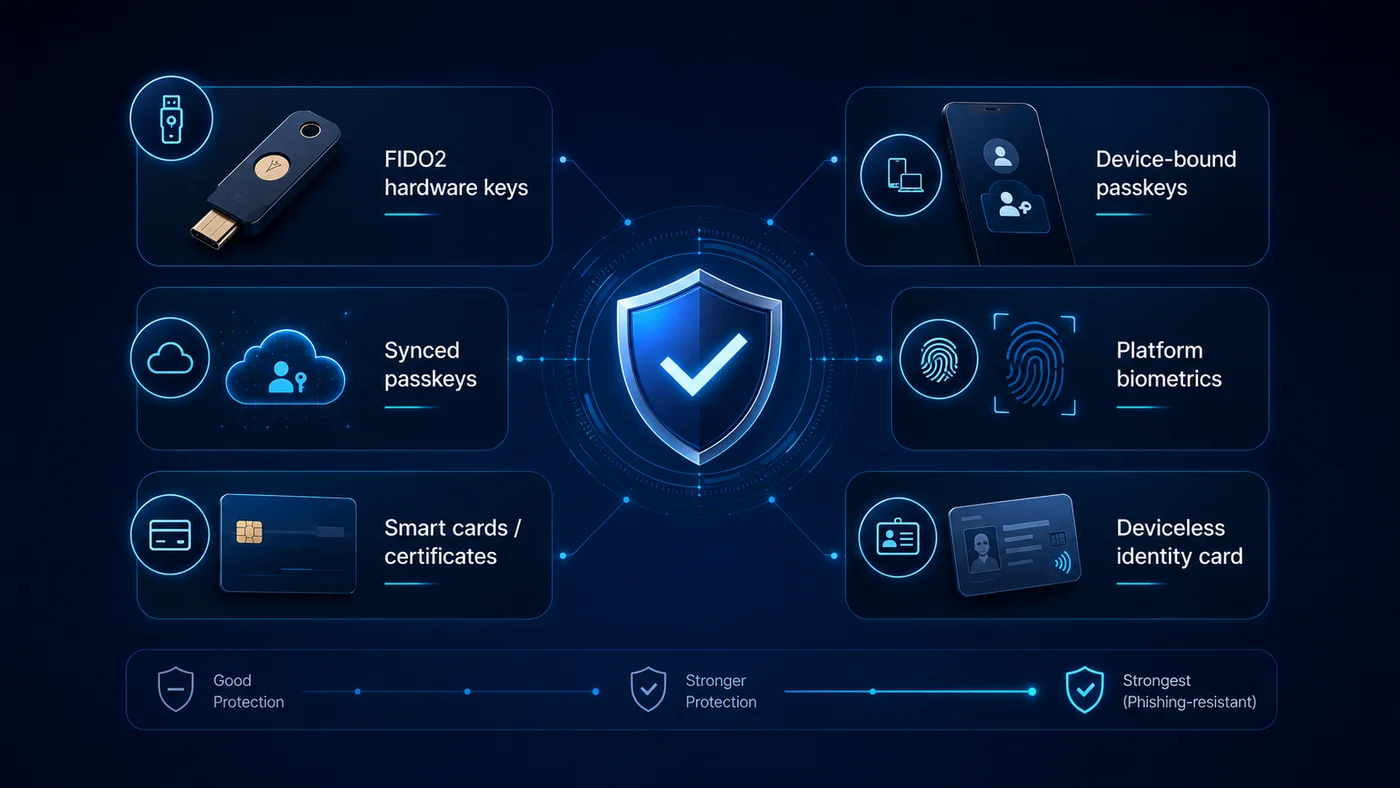 Six passwordless method categories, ranked by phishing-resistance strength. The strongest tier (FIDO2 keys, smart cards, deviceless identity cards, device-bound passkeys) is what CISA's phishing-resistant MFA guidance points at; synced passkeys and platform biometrics are strong but vary by sync vendor and enclave.
Passwordless methods compared
Before the vendor list, a short tour of the methods themselves. The same vendor often supports several of these, and the AAL ceiling depends on which method a given deployment uses.
FIDO2 security keys (hardware tokens like YubiKey, Crescendo, Feitian) — phishing-resistant, hardware-bound, reach AAL3. The recovery path for a lost key is the operational hard part.
Passkeys (Apple, Google, 1Password, Microsoft) — phishing-resistant via FIDO2, syncable across the user's devices, simplify recovery. Reach AAL2; AAL3 requires hardware-bound non-syncable variants. The sync vendor matters for compliance.
Platform biometrics (Windows Hello, Face ID, Touch ID) — phishing-resistant when paired with a cryptographic authenticator, which is the normal mode. AAL2; AAL3 with hardware-backed enclaves and verifier impersonation resistance.
Smart cards and PIV (Thales, HID Crescendo, Avatier ICC, government-issued PIV/CAC) — phishing-resistant via PKI, deviceless from the user's perspective, naturally fit shared environments. AAL2 by default; AAL3 with FIPS 140-validated hardware and proper enrollment integrity.
Push with number-matching (Duo, Entra Authenticator, Okta Verify) — partially phishing-resistant once number-matching is enabled; AAL2. Push without number-matching is no longer recommended.
Magic links (Stytch, Auth0, Descope, FusionAuth) — usable, low-friction, AAL2 at best. Phishing-resistant only when the link is bound to the requesting browser session and the user follows the link in the same session.
SMS and email OTP — phishable, AAL1 at most. Acceptable as a recovery channel; not acceptable as primary authentication under current NIST guidance.
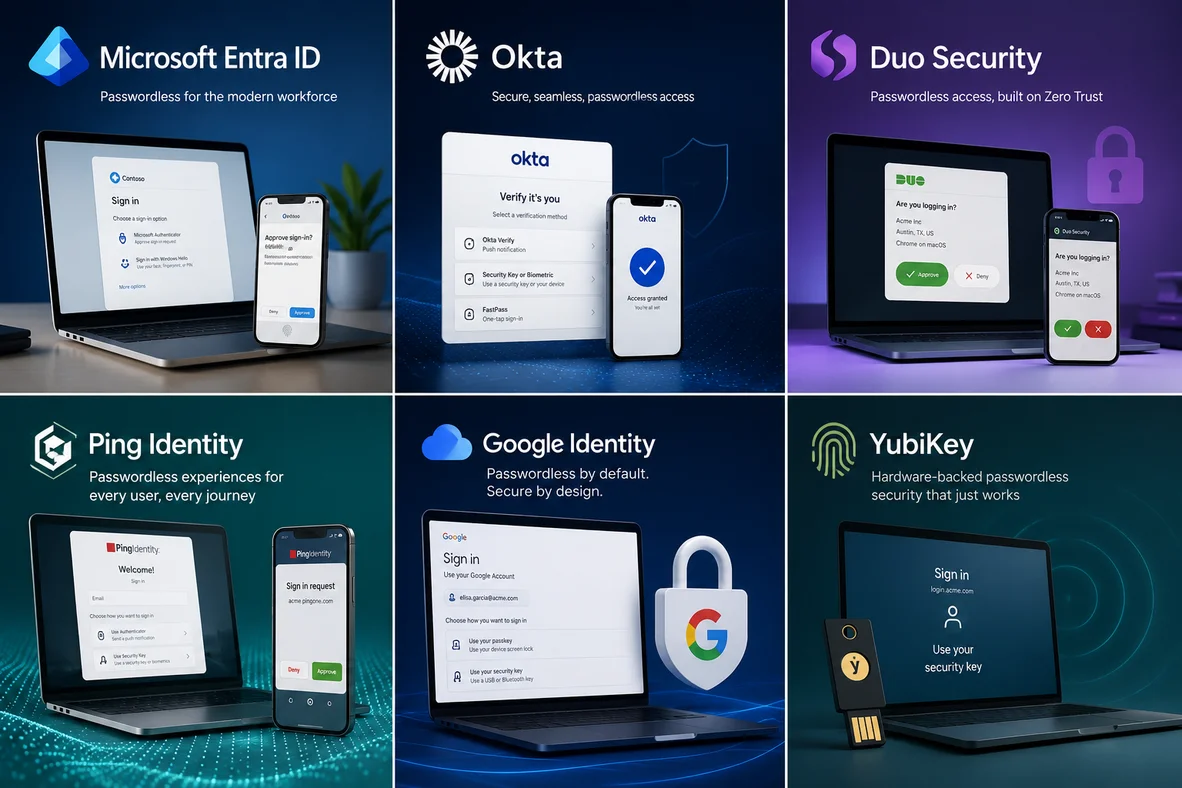 A snapshot of the broader passwordless landscape — workforce IdPs, hardware-key specialists, and device-trust platforms all sit under the "passwordless" umbrella with different strengths. The fifteen vendors compared below are the ones we recommend evaluating today.
Comparison table — 15 passwordless solutions at a glance
The table is the fastest way to triage shortlist candidates. Method category covers the primary modes each platform supports; AAL is the realistic ceiling for typical enterprise deployments; mainframe support is documented native support (not "could be integrated"). The honest trade-off column is what you should bring to the vendor's sales call. On narrower screens, scroll the table horizontally to see all columns.
| Vendor | Method category | NIST 800-63B AAL alignment | Mainframe support | Workforce fit | Best for | Honest trade-off |
|---|---|---|---|---|---|---|
| 1Kosmos BlockID | FIDO2 + biometric + ID-proofing | AAL2/AAL3 (FedRAMP High, IAL2) | No | Desk + frontline + shared | Identity-bound passwordless with verified enrollment | Heavier onboarding because of the ID-proofing step; less suited to rapid customer self-signup. |
| Auth0 (by Okta) | Magic links + OTP + passkeys | AAL2 | No | Customer / CIAM | Developer-led CIAM with passkey support | MAU-priced — TCO climbs fast at scale; long-term roadmap uncertain post-Okta acquisition. |
| Avatier Identity Anywhere + ICC | Passkey + FIDO2 + deviceless smart card + biometric + OOB | NIST 800-53 Rev. 5 aligned; FIDO2-compatible methods | Yes — RACF, ACF2 (z/OS), AS400 | Desk + frontline + contractor + service desk + mainframe | Workforce IAM where mainframe, shared kiosks, or phoneless workers are real | ICC adds physical card logistics and replacement cost; not the right choice for pure CIAM/consumer apps. |
| Beyond Identity | Device-bound cryptographic | AAL2 (device-trust biased) | No | Desk (managed-device heavy) | Zero Trust shops standardizing on device trust | Strong device assurance; weaker on human-identity verification at enrollment. |
| Cisco Duo | Push + FIDO2 + biometric | AAL2 | No | Desk + remote workforce | Fast, low-friction MFA-to-passwordless transition | Push reliability degrades under load; dead phone blocks authentication with limited graceful fallback. |
| Descope | Passkeys + magic links + OTP + social | AAL2 | No | Customer / CIAM + B2B SaaS | Visual-workflow passwordless for product teams | Orchestration is the strength; not a workforce IAM and not built for AD-centric IT. |
| FusionAuth | Magic links + WebAuthn + passkeys | AAL2 | No | Customer / developer | Self-hosted, unlimited-user authentication | Self-host overhead is real; passwordless features less polished than auth-focused specialists. |
| HID Global (Advanced MFA / Crescendo) | FIDO2 smart card + PKI + biometric | AAL2/AAL3 (FIPS 140-2 support) | Partial (PKI cert auth via integration) | Desk + physical-access converged | Organizations converging physical and logical access on one card | Setup learning curve is steep; full value depends on a physical-access program you already run. |
| HYPR | FIDO2 device-bound passkeys | AAL2 (passkey variant) | No | Desk (Microsoft-heavy) + regulated | Phishing-resistant workforce passwordless | Deployment leans on Windows PKI; device replacement forces full re-enrollment. |
| Microsoft Entra ID | Windows Hello + FIDO2 + Authenticator + passkeys | AAL2 (AAL3-capable with FIDO2 key) | No (native); 3rd-party connectors for mainframe | Desk (Microsoft 365 estates) | Default for Microsoft-first environments | Premium-tier licensing hides key security features; admin surface fragments across portals. |
| Okta Workforce Identity Cloud (FastPass) | FastPass + FIDO2 + passkeys + biometric | AAL2 | No | Desk + remote workforce | Large SaaS app portfolios needing one identity layer | Pricing escalates with capability tiers; passwordless coverage limited to SSO-compatible apps. |
| OneLogin (One Identity) | Push + WebAuthn + certificate desktop | AAL2 | No | Desk + global distributed teams | Mid-market SSO + MFA with passwordless overlay | Reliability and support response are recurring concerns in customer reviews. |
| Ping Identity (PingOne for Workforce) | FIDO2 + biometric + adaptive | AAL2 (AAL3-capable) | Partial via PKI/cert auth | Desk + regulated enterprise | Adaptive risk-based authentication at scale | Premium pricing; push notification reliability flagged in reviews. |
| Thales SafeNet Trusted Access | FIDO2 + smart card + PKI + biometric + GrIDsure | AAL2/AAL3 (per token type) | Partial via PKI smart card | Desk + regulated industries | Flexible authenticator mix under one per-user licence | Pricing is quote-only; integration depth varies by authenticator. |
| Yubico (YubiKey) | FIDO2 / U2F / PIV / OTP hardware key | AAL3 (hardware-backed) | Partial — PIV mode authenticates into mainframe gateways | Desk + admins + high-privilege | Hardware-backed phishing resistance | Lost-key recovery is the single biggest operational cost; not appropriate as the sole authenticator. |
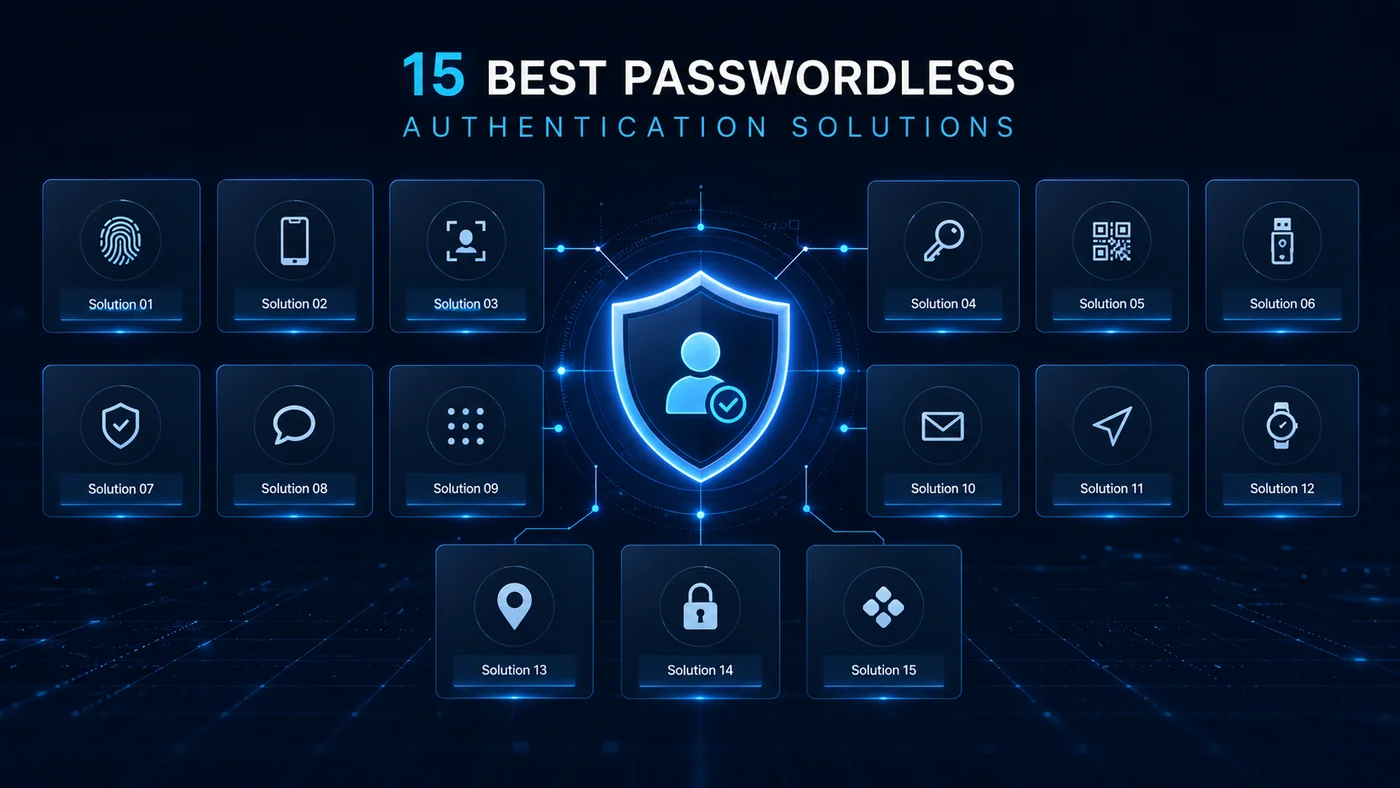 The full set, alphabetical, with the same five-question template for each — what it is, how it authenticates, standards and assurance, honest trade-offs, and where it fits in your stack.
The 15 best passwordless authentication solutions for 2026
Alphabetical. Each entry follows the same five-question template.
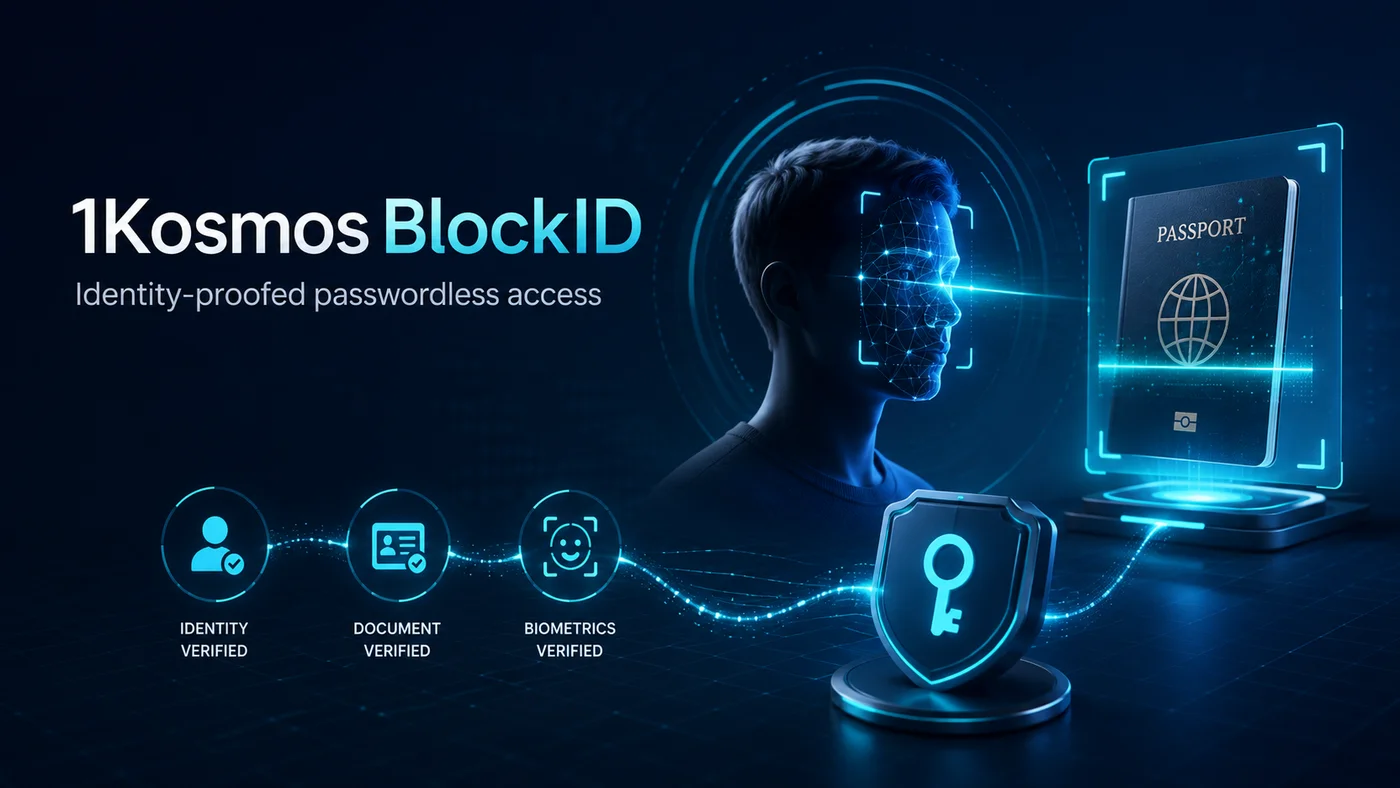
1. 1Kosmos BlockID
What it is. A workforce and customer passwordless platform built around identity proofing at enrollment — the user is verified once via document and biometric checks, and that verified identity is then bound to a cryptographic credential used for ongoing authentication.
How it authenticates. FIDO2-compatible passkeys plus biometric authenticators, anchored to identity-proofed enrollment. The differentiator is that the enrollment ceremony actually verifies the human, rather than assuming whoever sets up the device is the right person.
Standards and assurance. 1Kosmos publishes NIST 800-63B AAL2 and AAL3 alignment, FedRAMP High, IAL2 conformance, and Kantara certification. The strongest standards posture among the vendors in this list.
Trade-offs. The ID-proofing step adds onboarding friction — appropriate for regulated workforces, BPOs, and high-privilege access; less appropriate where rapid customer self-signup is the priority and friction is the conversion enemy.
Where it fits in your stack. Strong fit when verified-identity binding matters — financial services, healthcare, government contractors, and any environment where audit demands proof that the person enrolled is the person authenticating.
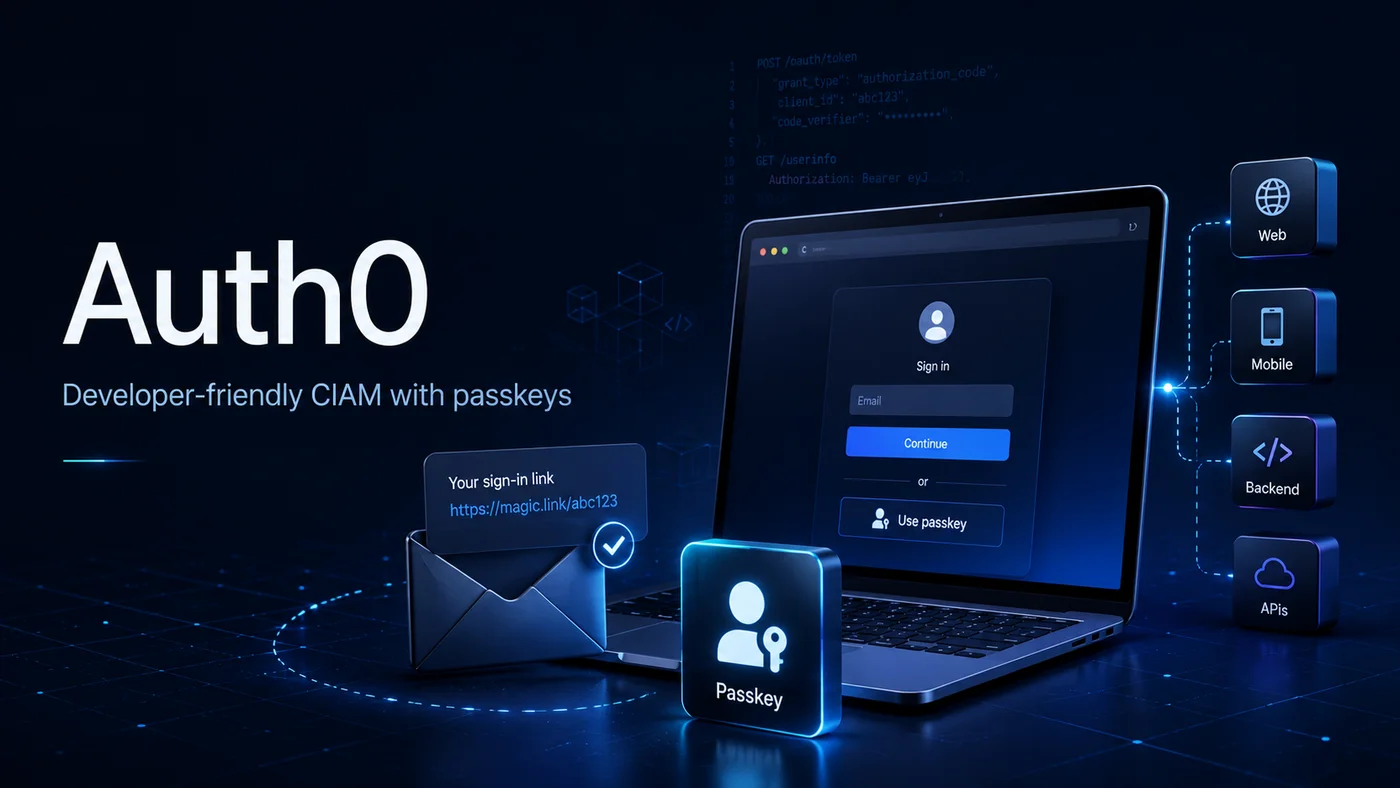
2. Auth0 (by Okta)
What it is. A CIAM platform — Customer Identity and Access Management — now part of Okta. Auth0 covers consumer-app authentication with broad SDK support across web, mobile, and SPA frameworks.
How it authenticates. Magic links, OTP, passkeys, social login, and traditional username and password with optional MFA. Passkey support arrived in 2024 and has matured through 2025-2026.
Standards and assurance. SOC 2, ISO 27001, GDPR-aligned. Auth0 itself does not publish NIST AAL2/AAL3 attestation; the methods it implements (FIDO2 passkeys, hardware OTP) can reach AAL2 in a properly configured deployment.
Trade-offs. Auth0 is monthly-active-user-priced, and TCO climbs sharply as user base grows. Long-term roadmap is uncertain post-Okta acquisition; Okta has tended to consolidate Auth0 capabilities into Okta Customer Identity Cloud over time.
Where it fits in your stack. Developer-led CIAM where SDK breadth, rule-engine flexibility, and rapid product iteration matter more than per-user cost. Less appropriate for workforce identity — that is what Okta Workforce Identity Cloud is for.
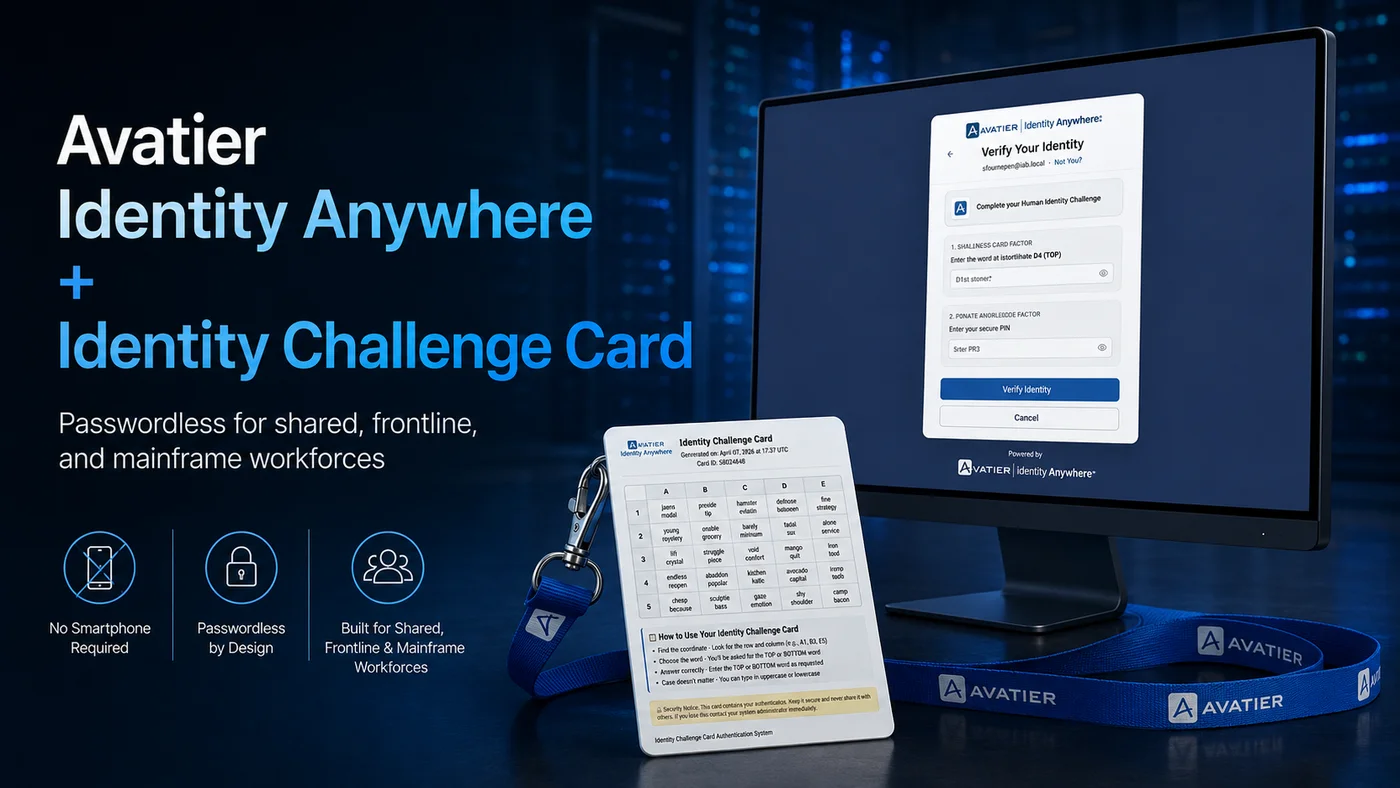
3. Avatier Identity Anywhere with Identity Challenge Card
What it is. A workforce IAM platform with a deviceless passwordless option — the Identity Challenge Card (ICC) — built specifically for users who cannot or should not carry a smartphone. Identity Anywhere covers SSO, MFA, lifecycle, governance, and service desk; ICC is the authentication artifact that solves the segments most listicles ignore.
How it authenticates. Passkey, FIDO2-compatible methods, biometric, out-of-band challenge, and the Identity Challenge Card itself. The ICC method is what gives this platform coverage for mainframe operators, shared workstations, frontline staff, factory floors, and contractors — segments where a smartphone-bound passkey does not work.
Standards and assurance. Avatier publishes SOC 2 Type II with zero exceptions, ISO/IEC 27001:2022, PCI DSS v4.0.1, CSA STAR Level 1, NIST 800-53 Rev. 5 alignment, and is a CISA Secure-by-Design Pledge signatory. The platform aligns with CISA's published guidance on phishing-resistant MFA. Full posture is published at trust.avatier.com.
Trade-offs. ICC adds physical card logistics and replacement cost. Not the right choice for pure CIAM or consumer applications — those use cases belong to the magic-link and passkey-only platforms further down this list.
Where it fits in your stack. Strong fit for workforce IAM where the user mix includes mainframe operators, shared-kiosk users, phoneless workers, or service-desk-heavy operations. The mainframe coverage — RACF, ACF2, AS400 — is one of the few in this list, and the closing section breaks down how to map ICC against each workforce segment. Disclosure: this is the platform behind the site you are reading.
4. Beyond Identity
What it is. A passwordless platform anchored on device trust — the authentication credential is cryptographically bound to a managed device, and policy evaluates device posture as part of every authentication decision.
How it authenticates. Device-bound cryptographic credentials, with optional biometric or PIN unlock. The device-trust posture (managed endpoint, EDR running, OS patched) is part of the authentication signal, not just an access policy check after the fact.
Standards and assurance. FIDO2-compatible; SOC 2 Type II, ISO 27001. Beyond Identity does not publish per-method NIST AAL2 or AAL3 mapping in marketing collateral, though the device-bound model has the right shape for AAL2 in a properly managed deployment.
Trade-offs. Strong device assurance — the authentication credential cannot be exfiltrated to an unmanaged device — but weaker on human-identity verification at enrollment. The model assumes whoever enrolls the device is the right person.
Where it fits in your stack. Zero Trust deployments that have standardized on managed-device assurance and are willing to invest in the endpoint management posture the model assumes. Less appropriate for BYOD-heavy environments.
5. Cisco Duo
What it is. A multi-factor authentication platform extended into passwordless. Duo started as push-based MFA, has added FIDO2 and Verified Push (number-matching), and now markets a passwordless flow on top of the same agent.
How it authenticates. Push with number-matching, FIDO2 security keys, platform biometrics, and Verified Push for passwordless. The same Duo Mobile app handles all of them.
Standards and assurance. SOC 2 Type II, ISO 27001, FedRAMP Moderate. Verified Push and FIDO2 deployments reach AAL2. Push-only without number-matching is no longer recommended.
Trade-offs. Push reliability degrades under load — large enterprise rollouts have flagged delivery delays during peak hours. A dead or off-network phone blocks authentication, and the graceful-fallback options (backup codes, FIDO2 keys) require pre-provisioning every user with a second authenticator.
Where it fits in your stack. Organizations already on Duo for MFA who want a low-friction path to passwordless without changing IdPs. Less appropriate where push-reliability has been a problem.
6. Descope
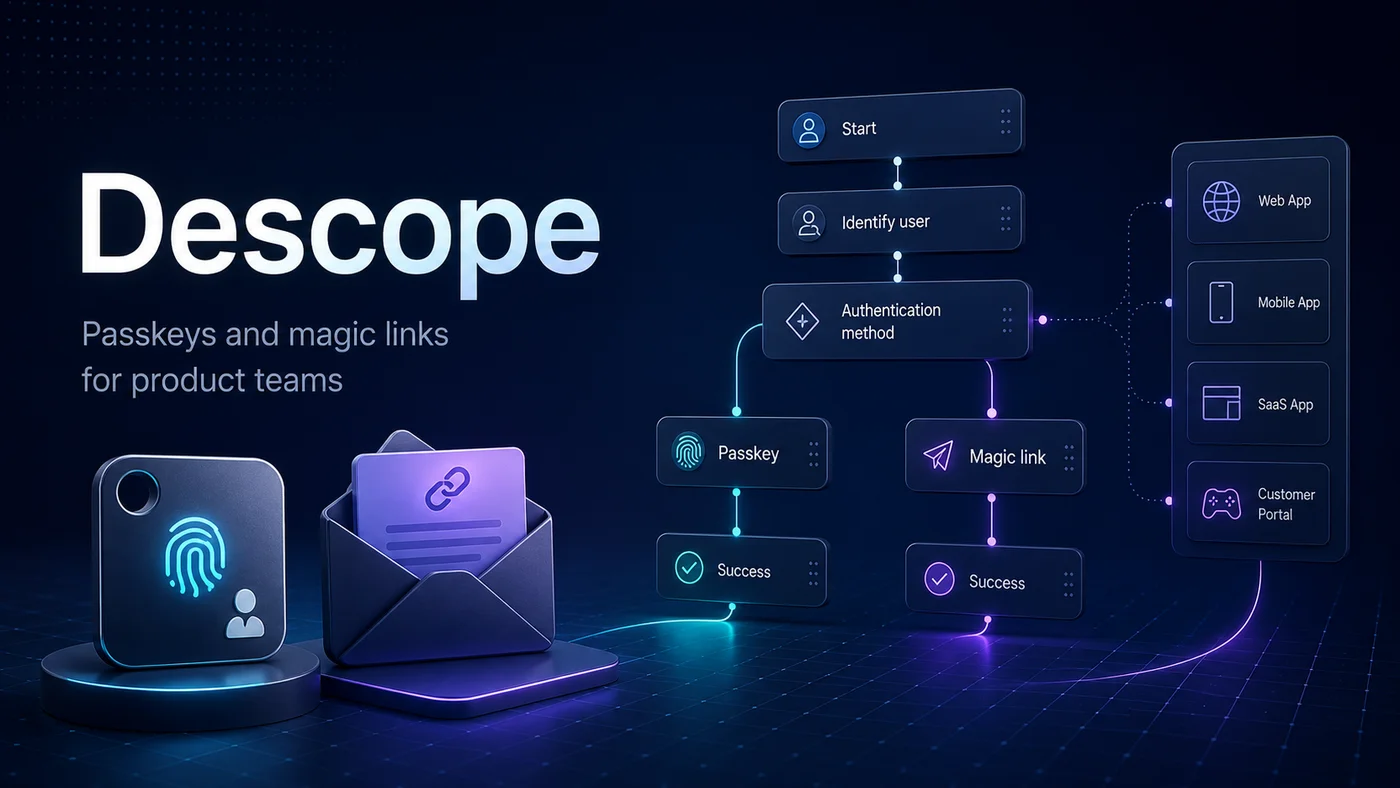
What it is. A passwordless and CIAM platform built around a visual workflow editor — authentication flows are designed in a flow canvas rather than configured per-screen.
How it authenticates. Passkeys, magic links, OTP, social login, and traditional auth with risk-based step-up. The orchestration model is the differentiator; you can compose flows that branch on signals (new device, suspicious location, high-value action).
Standards and assurance. SOC 2 Type II, ISO 27001, GDPR-aligned. Methods implemented reach AAL2 in a configured deployment; Descope does not market AAL3.
Trade-offs. Orchestration is the strength — but Descope is not a workforce IAM platform. It does not own joiners, movers, leavers, provisioning into legacy apps, or AD-centric IT realities. CIAM and B2B SaaS use cases are the fit.
Where it fits in your stack. Product and engineering teams building CIAM or B2B SaaS authentication where the auth flow is part of the product experience. Less appropriate when the buyer is IT and the use case is workforce identity.
7. FusionAuth
What it is. A self-hosted authentication platform with a free tier covering unlimited users. The deployment model is intentionally different from the cloud-CIAM vendors — you run FusionAuth on your own infrastructure.
How it authenticates. Magic links, WebAuthn and passkeys, traditional auth, and MFA via TOTP and SMS. The passwordless feature set is correct but less polished than the auth-focused specialists.
Standards and assurance. SOC 2 Type 2 (for the cloud offering). Methods reach AAL2 in a properly configured deployment.
Trade-offs. Self-host overhead is real — backups, upgrades, observability, and incident response are on you. The unlimited-user pricing is attractive at scale, but the operational cost shifts from licence to ops.
Where it fits in your stack. Developer teams that need control over the authentication stack, want to avoid per-user pricing at scale, and have the ops maturity to run it. Less appropriate for organizations buying authentication as a service.
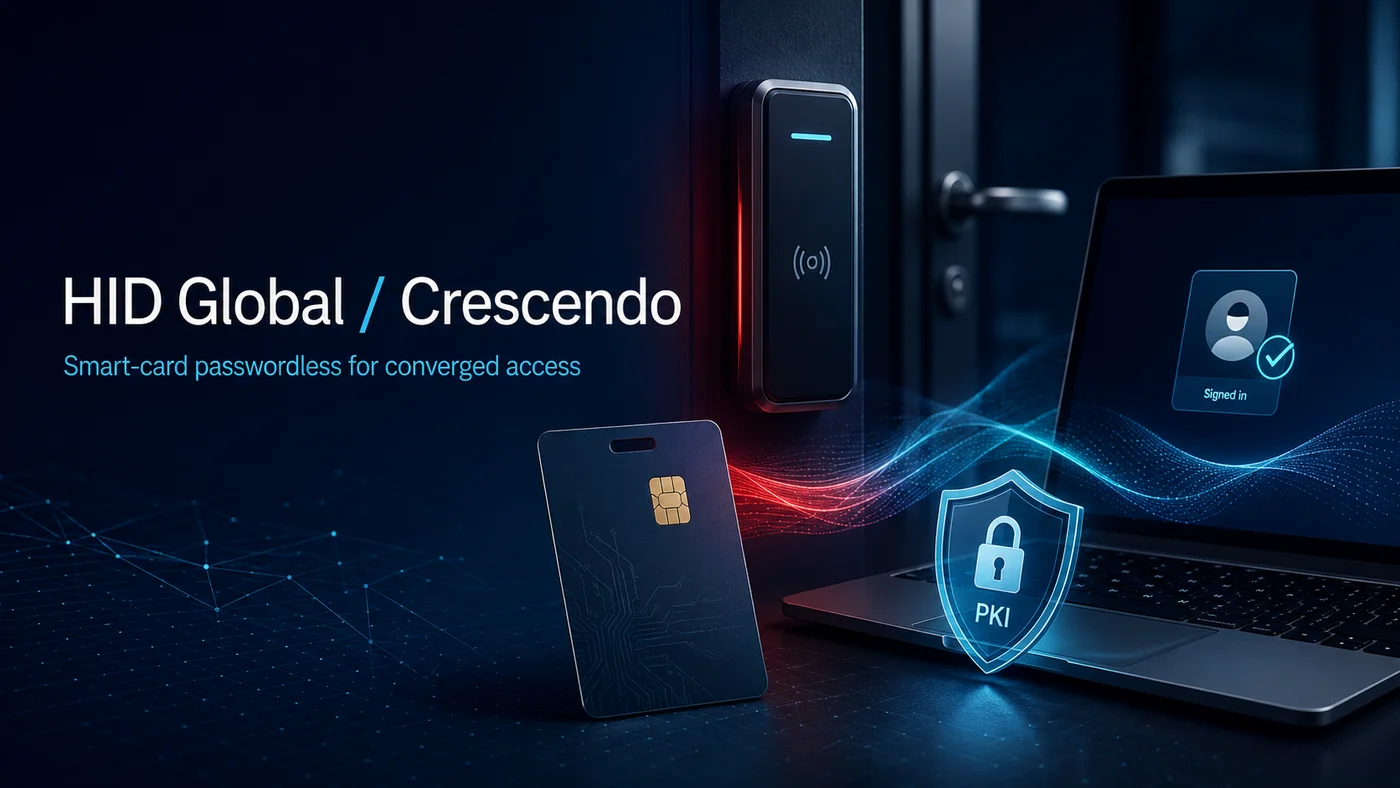
8. HID Global (Advanced MFA and Crescendo)
What it is. A combined physical and logical access platform — HID is best known for door-access cards, and HID Advanced MFA plus Crescendo bring the same credential into desktop authentication.
How it authenticates. FIDO2 smart cards (Crescendo line), PKI certificates, biometrics, and OTP. The converged smart card opens the building door and unlocks the desktop with one credential.
Standards and assurance. FIPS 140-2 validated cryptographic modules. Cards reach AAL2 by default, AAL3 with hardware-backed FIDO2 and proper enrollment.
Trade-offs. Setup learning curve is steep — the value depends on running a coherent physical access program you can converge onto. Without that, the platform is over-engineered.
Where it fits in your stack. Organizations consolidating physical and logical access on one credential — government, defense, healthcare, regulated manufacturing. Less appropriate for software-only authentication where physical access is not part of the picture.
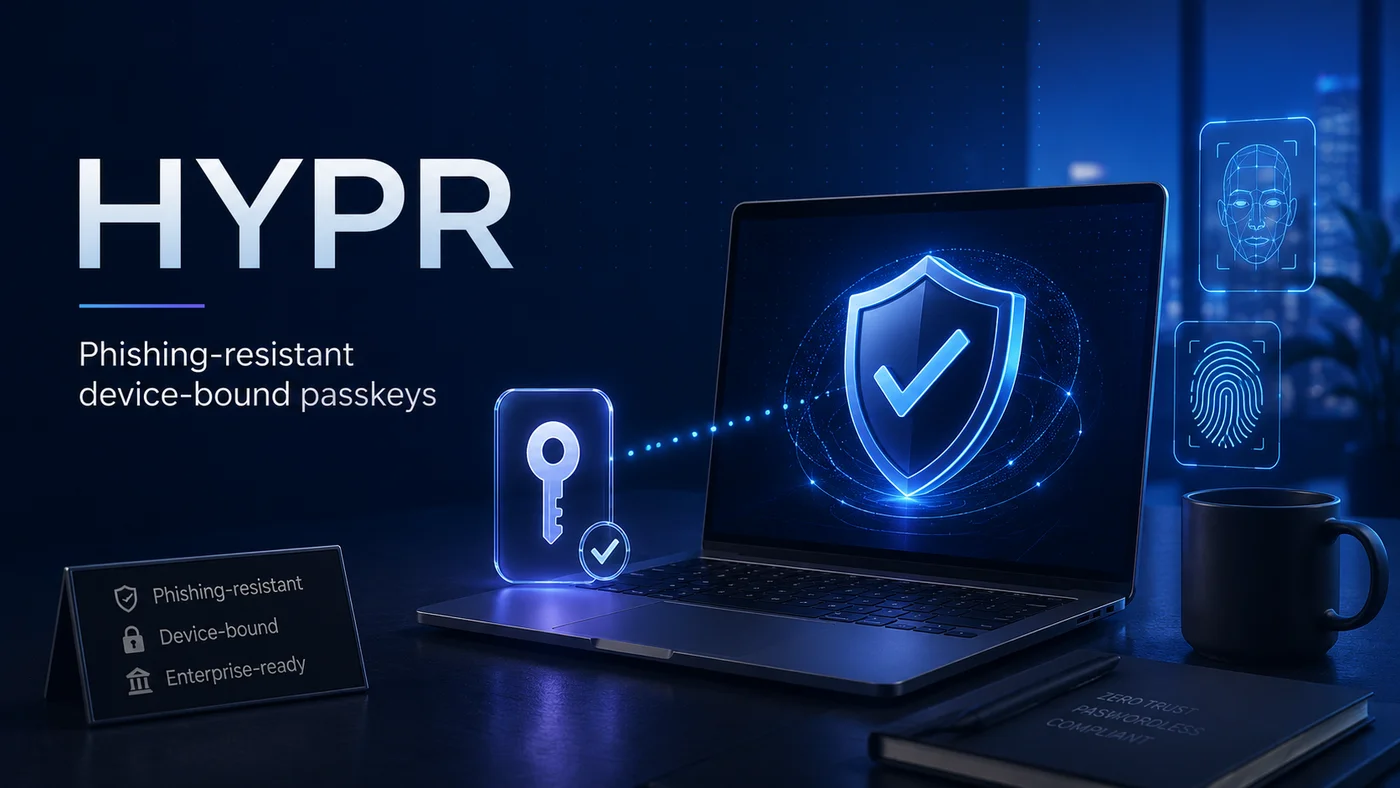
9. HYPR
What it is. A workforce passwordless platform focused on FIDO2 device-bound passkeys, with strong Windows integration.
How it authenticates. FIDO2 passkeys bound to a specific device (not syncable), platform biometrics on Windows Hello, and PKI-backed enrollment ceremonies.
Standards and assurance. SOC 2 Type II, ISO 27001, FedRAMP Moderate. The non-syncable passkey variant is positioned for AAL2 with strong phishing resistance.
Trade-offs. Deployment leans on Windows PKI infrastructure — strong for Microsoft-heavy environments, less natural elsewhere. Device replacement forces full re-enrollment, which compounds operational cost in workforces with significant hardware turnover.
Where it fits in your stack. Microsoft-first regulated industries — financial services, healthcare, government contractors — that want phishing-resistant workforce passwordless without committing to Microsoft Entra ID as the IdP. Less appropriate for Mac-heavy or cross-platform workforces.
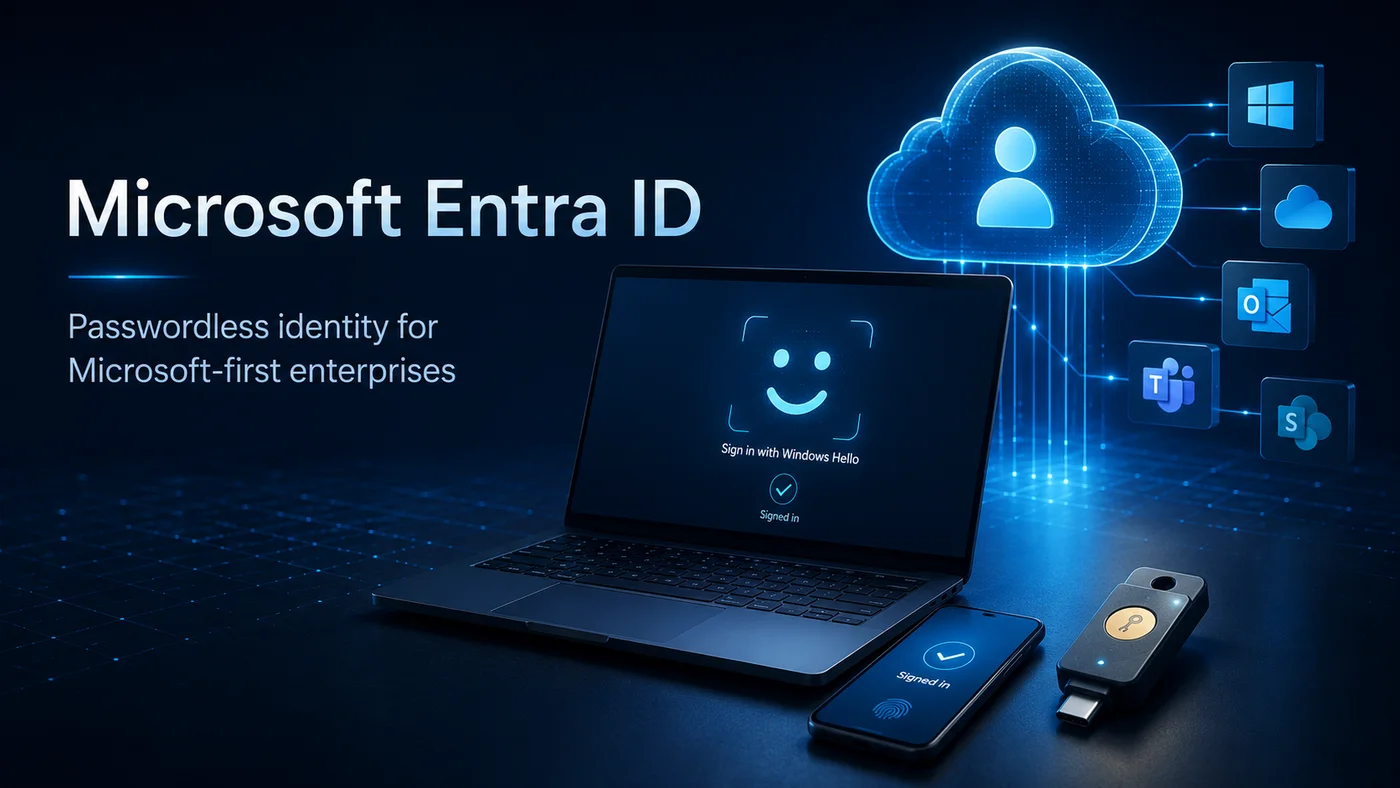
10. Microsoft Entra ID
What it is. Microsoft's workforce identity platform — the same product that absorbed Azure AD. Entra is the default workforce IdP for organizations on Microsoft 365.
How it authenticates. Windows Hello for Business, FIDO2 security keys, Microsoft Authenticator with passwordless sign-in, and platform passkeys (syncable and non-syncable variants).
Standards and assurance. SOC 2 Type II, ISO 27001, FedRAMP High, IRAP, and dozens of regional attestations. Methods reach AAL2; AAL3 is achievable with FIDO2 hardware keys.
Trade-offs. Premium-tier licensing (Entra ID P1 and P2) hides several security features behind paid SKUs — Conditional Access, Identity Protection, and PIM. The admin surface fragments across the Entra portal, Intune, and security portal.
Where it fits in your stack. Microsoft 365 estates already paying for Entra. The native fit with Windows endpoints, Office apps, and the broader Microsoft graph is the value. Less appropriate where the workforce is not predominantly Microsoft-tooled.
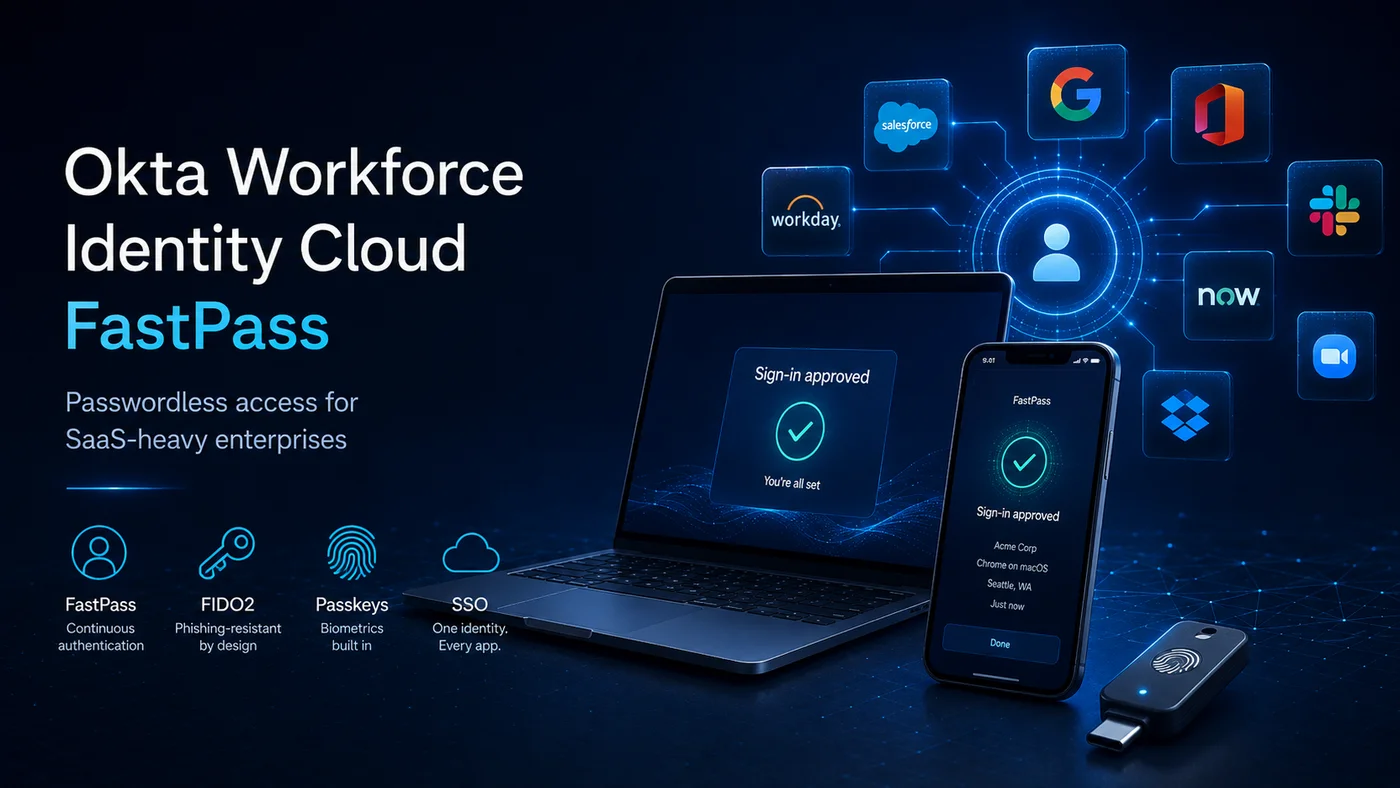
11. Okta Workforce Identity Cloud (FastPass)
What it is. Okta's workforce IdP with the FastPass passwordless flow layered on top. FastPass uses the Okta Verify app on a managed device to deliver passwordless sign-in across the Okta-integrated SaaS portfolio.
How it authenticates. FastPass (device-bound), FIDO2 security keys, syncable passkeys, platform biometrics, and traditional MFA.
Standards and assurance. SOC 2 Type II, ISO 27001, FedRAMP Moderate. FastPass deployments reach AAL2; FIDO2 keys reach AAL3.
Trade-offs. Pricing escalates with capability tiers — basic passwordless ships in the lower tiers but advanced policy, threat detection, and lifecycle features push into higher SKUs. Passwordless coverage is limited to SSO-compatible apps; legacy or non-SAML applications need additional plumbing.
Where it fits in your stack. Large SaaS portfolios where Okta is already the IdP. The Okta integration breadth is the value; the alternative is paying for that breadth elsewhere. Less appropriate when SaaS coverage is narrow and the legacy estate is large.
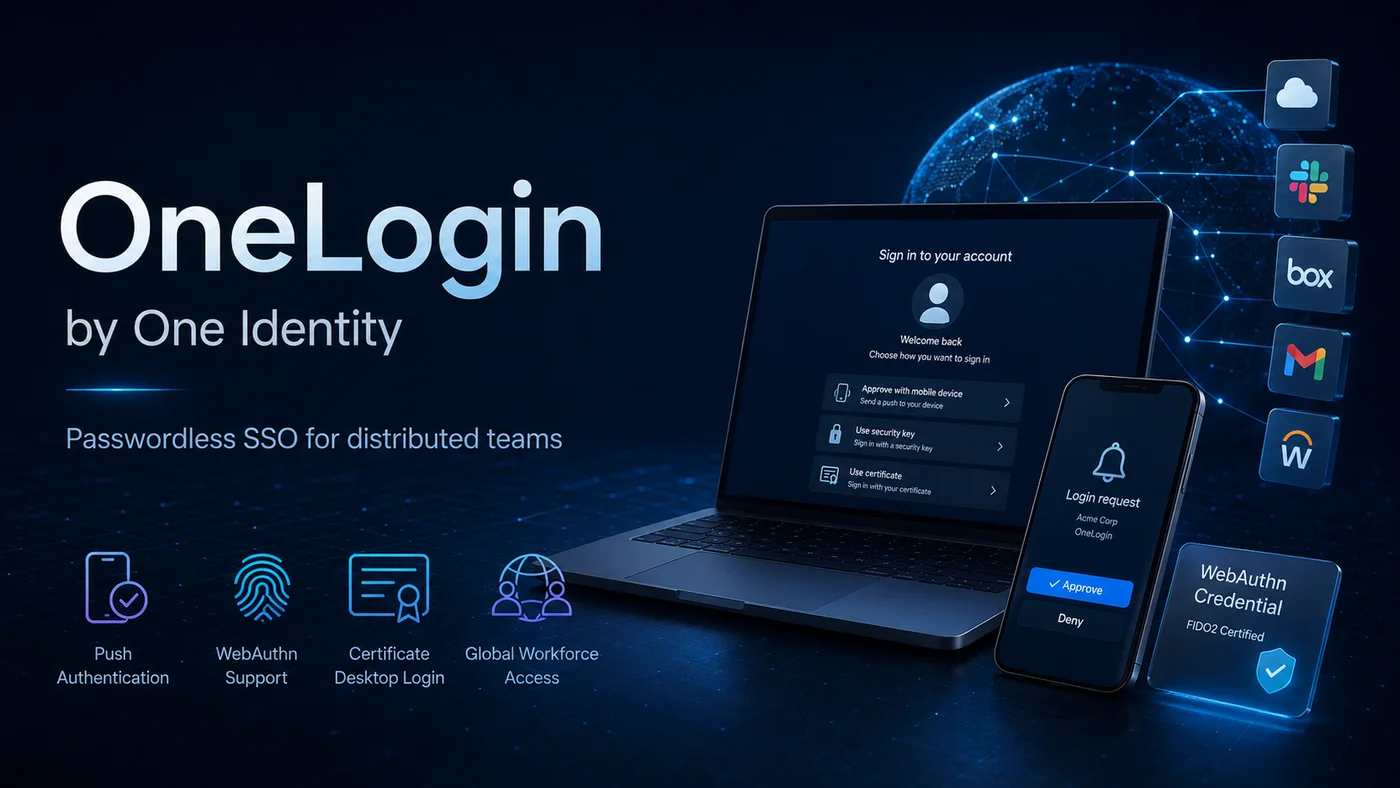
12. OneLogin (One Identity)
What it is. A workforce IdP with passwordless capabilities, now part of One Identity. Push, WebAuthn, and certificate-based desktop authentication are the headline features.
How it authenticates. Push notifications, WebAuthn passkeys, FIDO2 keys, and certificate desktop authentication (for shared workstations).
Standards and assurance. SOC 2 Type II, ISO 27001. Methods reach AAL2 in a configured deployment.
Trade-offs. Reliability and support response are recurring themes in customer reviews. The certificate desktop feature is differentiated but underdeveloped relative to dedicated PKI platforms.
Where it fits in your stack. Mid-market organizations using OneLogin as the IdP and looking to extend into passwordless without changing platforms. Less appropriate when reliability is a hard requirement.
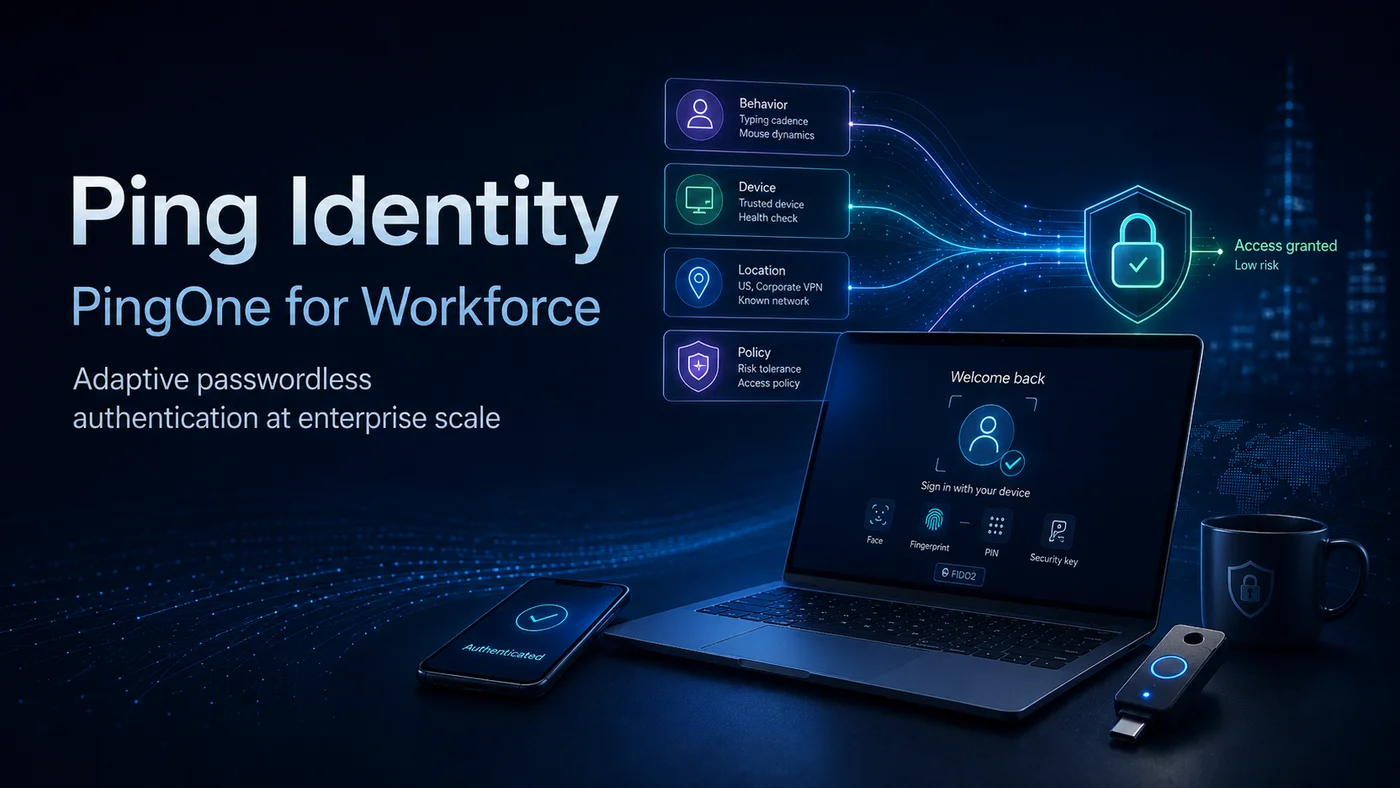
13. Ping Identity (PingOne for Workforce)
What it is. An enterprise IdP with a strong adaptive policy engine, now part of Thoma Bravo's identity portfolio. PingOne for Workforce covers SSO, MFA, and passwordless under one platform.
How it authenticates. FIDO2, platform biometrics, push with number-matching, PKI smart cards, and adaptive risk-based step-up. The policy engine is the differentiator.
Standards and assurance. SOC 2 Type II, ISO 27001, FedRAMP Moderate. AAL2 by default; AAL3 with FIDO2 keys or PKI smart cards.
Trade-offs. Premium pricing, and push notification reliability has been flagged in customer reviews. The adaptive engine is powerful but requires investment to configure well — out-of-the-box defaults are conservative.
Where it fits in your stack. Regulated enterprises at scale where adaptive policy and integration breadth matter. Less appropriate when the auth needs are simple and the price premium does not pay back.
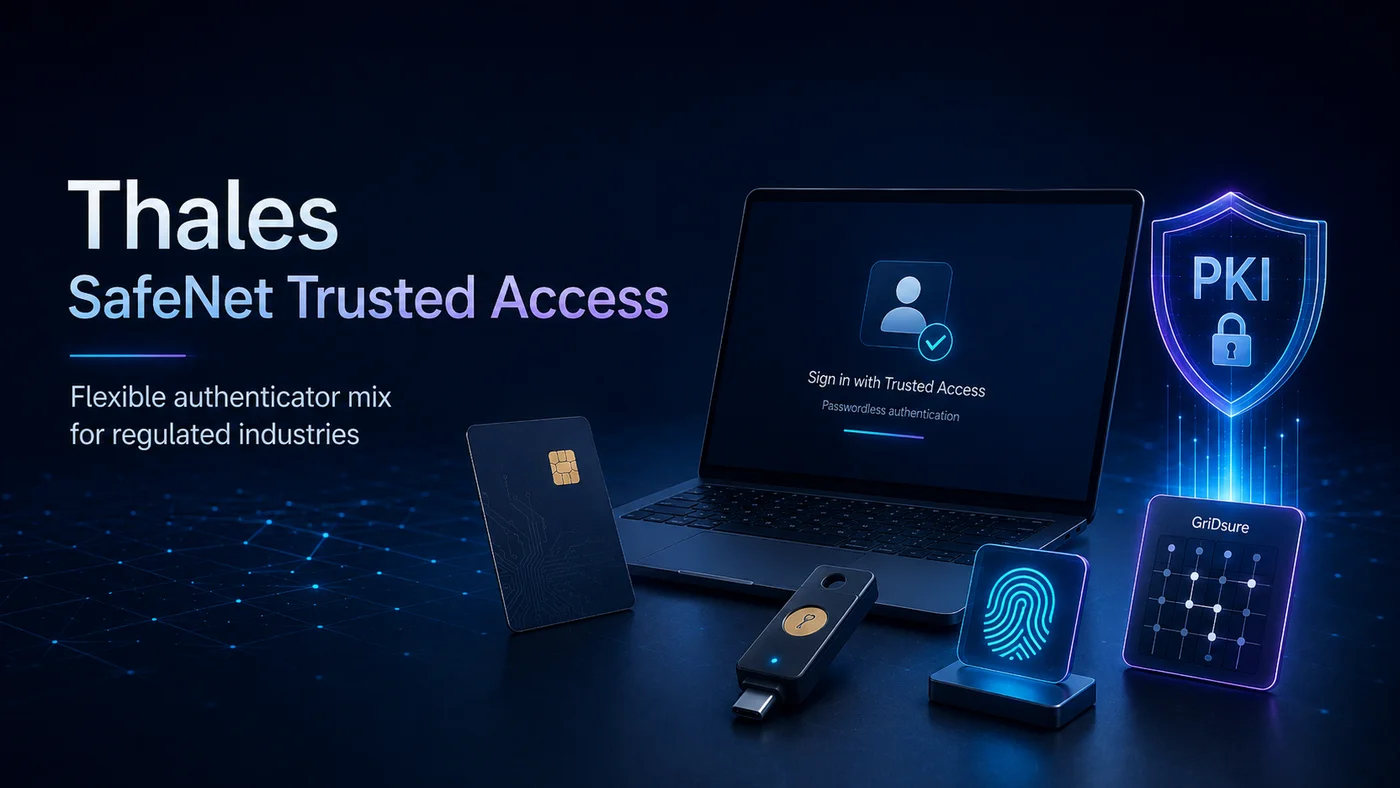
14. Thales SafeNet Trusted Access
What it is. An enterprise access management platform from Thales, with a flexible authenticator portfolio that includes FIDO2, smart cards, PKI, biometrics, and GrIDsure pattern authentication.
How it authenticates. FIDO2 hardware tokens, smart cards (PKI), platform biometrics, GrIDsure (pattern-based authenticators), and traditional OTP. Each authenticator is licensed under one per-user pricing model.
Standards and assurance. FIPS 140-2 / 140-3 cryptographic modules across the hardware authenticator range. AAL2 by default, AAL3 with FIDO2 hardware tokens.
Trade-offs. Pricing is quote-only — no published rate card — and integration depth varies by authenticator. The platform is strong on flexibility but requires investment to navigate.
Where it fits in your stack. Regulated industries needing a mixed authenticator portfolio under one user licence — government contractors, defense, financial services where different user populations need different authenticator types. Less appropriate when a single authenticator type covers the workforce.
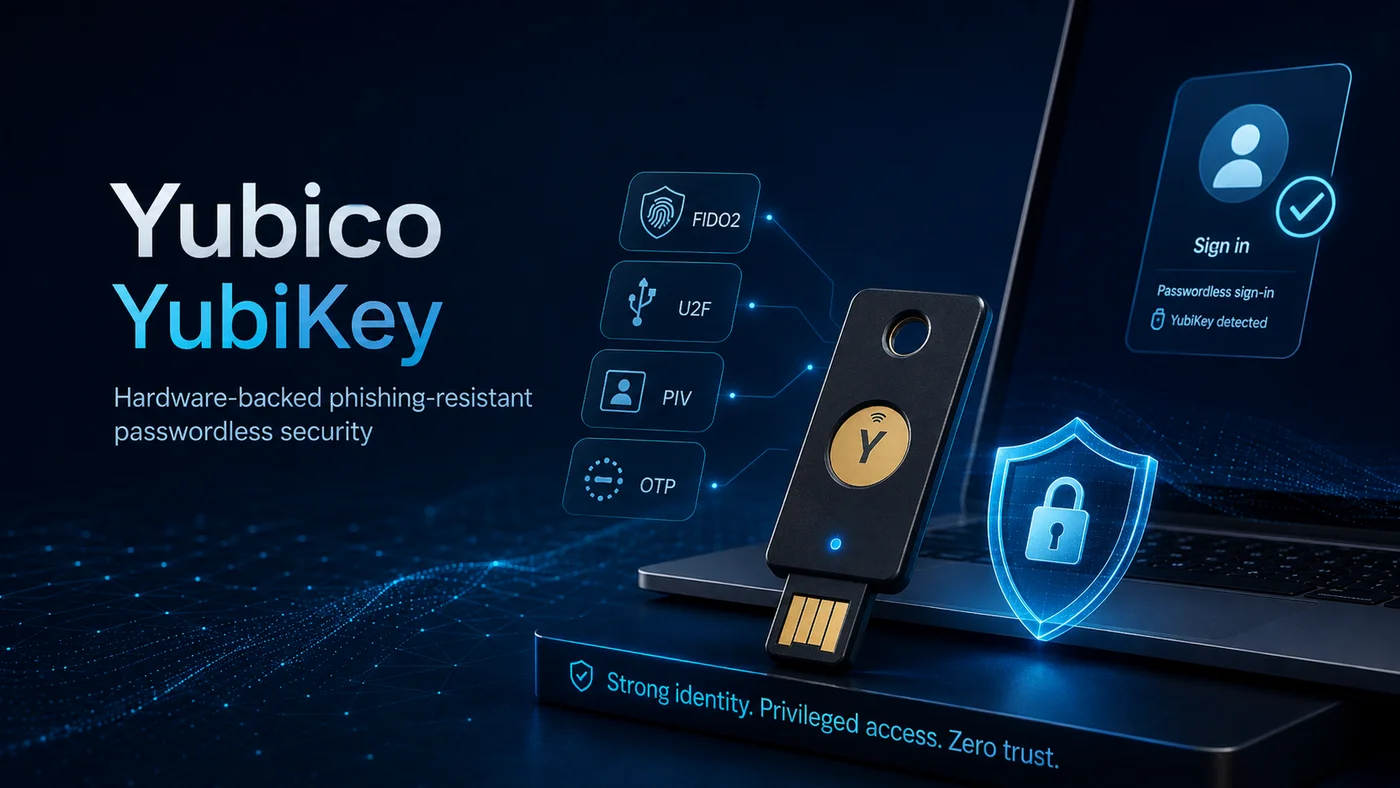
15. Yubico (YubiKey)
What it is. The hardware security key vendor — YubiKeys are the canonical FIDO2 token. Most deployments pair YubiKeys with another platform's user lifecycle rather than running them as the IdP.
How it authenticates. FIDO2 / WebAuthn, U2F, PIV smart card mode, OATH OTP, OpenPGP, and challenge-response. The same key supports multiple protocols.
Standards and assurance. FIPS 140-2 / 140-3 validated. AAL3 by virtue of the hardware-backed authenticator. PIV mode authenticates into mainframe and government environments via PKI.
Trade-offs. Lost-key recovery is the single biggest operational cost — replacement, re-enrollment, interim authentication. Not appropriate as the sole authenticator without a backup provisioning model. The keys themselves are inexpensive; the operational program around them is where the cost lives.
Where it fits in your stack. High-privilege accounts (admins, executives, developers with production access) where hardware-backed phishing resistance is worth the operational program. Less appropriate as the only authenticator across a general workforce.
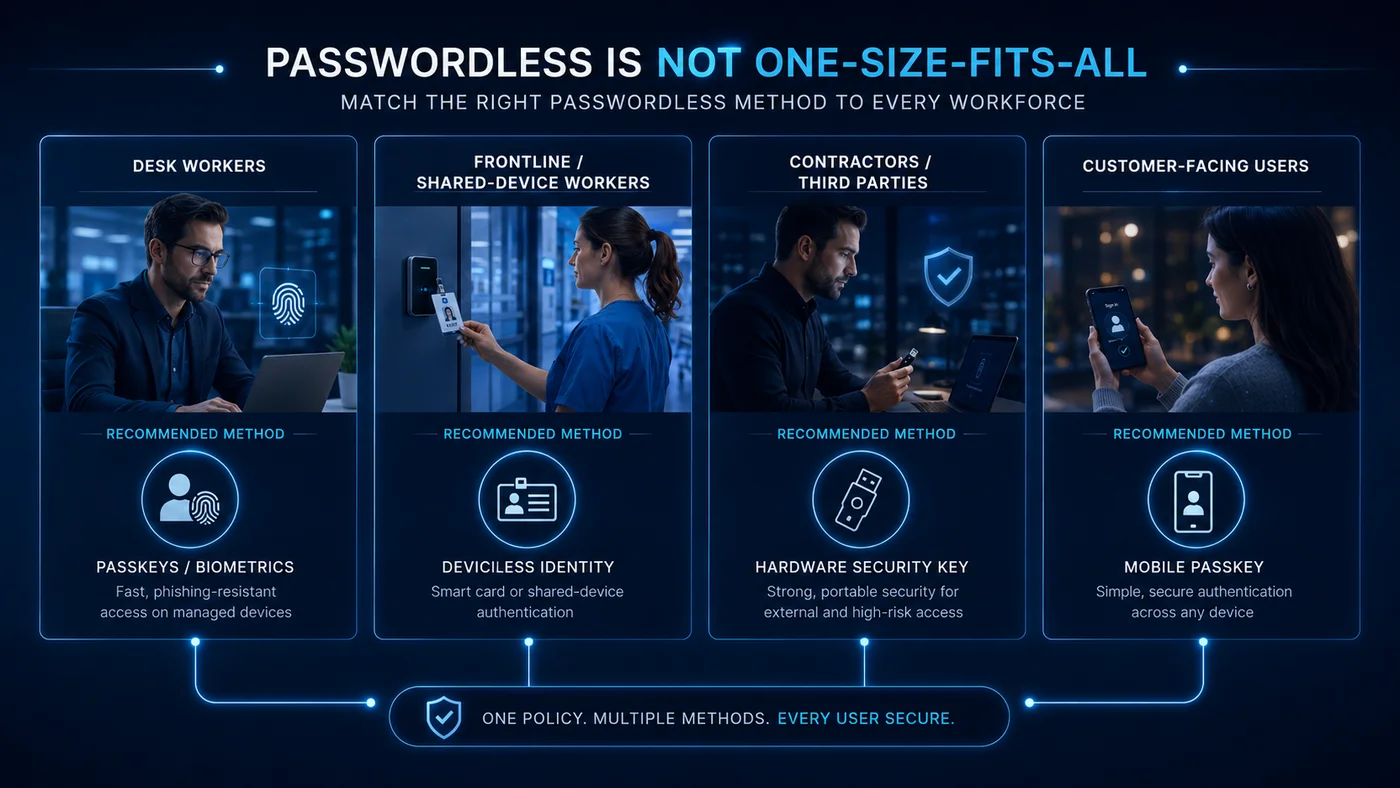 The "not one-size-fits-all" thesis at a glance. Different people, different methods, one strategy — and the rest of this section unpacks why each method maps to each segment.
How to choose by workforce segment
The vendor-by-vendor analysis is necessary but not sufficient. Most enterprises end up with a small number of platforms — usually two or three — chosen to cover different segments of the workforce. Use this section to map your segments to platforms.
Desk workers (managed laptop, predictable identity, SSO-driven)
This is the easy segment. Most platforms above handle it well.
Strong fits: Okta FastPass, Microsoft Entra ID, PingOne for Workforce, Cisco Duo. Each pairs platform biometrics or device-bound passkeys with SSO, and the user experience is essentially invisible.
Avatier note: Identity Anywhere SSO with passkey or Windows Hello covers this segment natively; ICC is overkill for desk-only users but is useful as a backup authenticator for high-privilege accounts where a lost passkey would be expensive.
Frontline and shared-device workers (nurses' station, factory floor, retail POS, call centre)
This is where most passwordless deployments break. No personal smartphone, shared workstation, shift-based access, often gloved hands. Smartphone passkeys do not work here.
Strong fits: 1Kosmos BlockID (shared-workstation pattern), HID Crescendo converged smart card, Thales SafeNet (smart card mode).
Avatier note: ICC is built specifically for this segment — one card, one tap, no smartphone required, no shared password. The card is the credential; the user identity binding happens at enrollment. This is the segment where most listicles in this category have no answer and Avatier has a structural one.
Contractors and third parties (short-tenure, unknown device posture, audit-sensitive)
The challenge here is identity lifecycle, not just authentication. Contractor credentials need to provision quickly, attest cleanly, and revoke automatically.
Strong fits: Microsoft Entra External ID, Okta Workforce + lifecycle, 1Kosmos with ID-proofing.
Avatier note: Identity Anywhere lifecycle automation handles joiners-movers-leavers for contractors, attests contractor passwordless credentials, and revokes access on contract end without service-desk involvement. The passwordless method itself is less important than the lifecycle around it.
Customer-facing CIAM (consumer scale, low-friction signup)
This is a different category from workforce passwordless. Conversion friction is the enemy; the authentication method has to feel invisible.
Strong fits: Descope, Auth0, FusionAuth, Stytch (Twilio).
Avatier note: This is not Avatier's primary lane, and the article should say so. If your use case is consumer CIAM, the four vendors above are stronger fits than a workforce IAM platform — and honesty about that is what makes the rest of this guide credible.
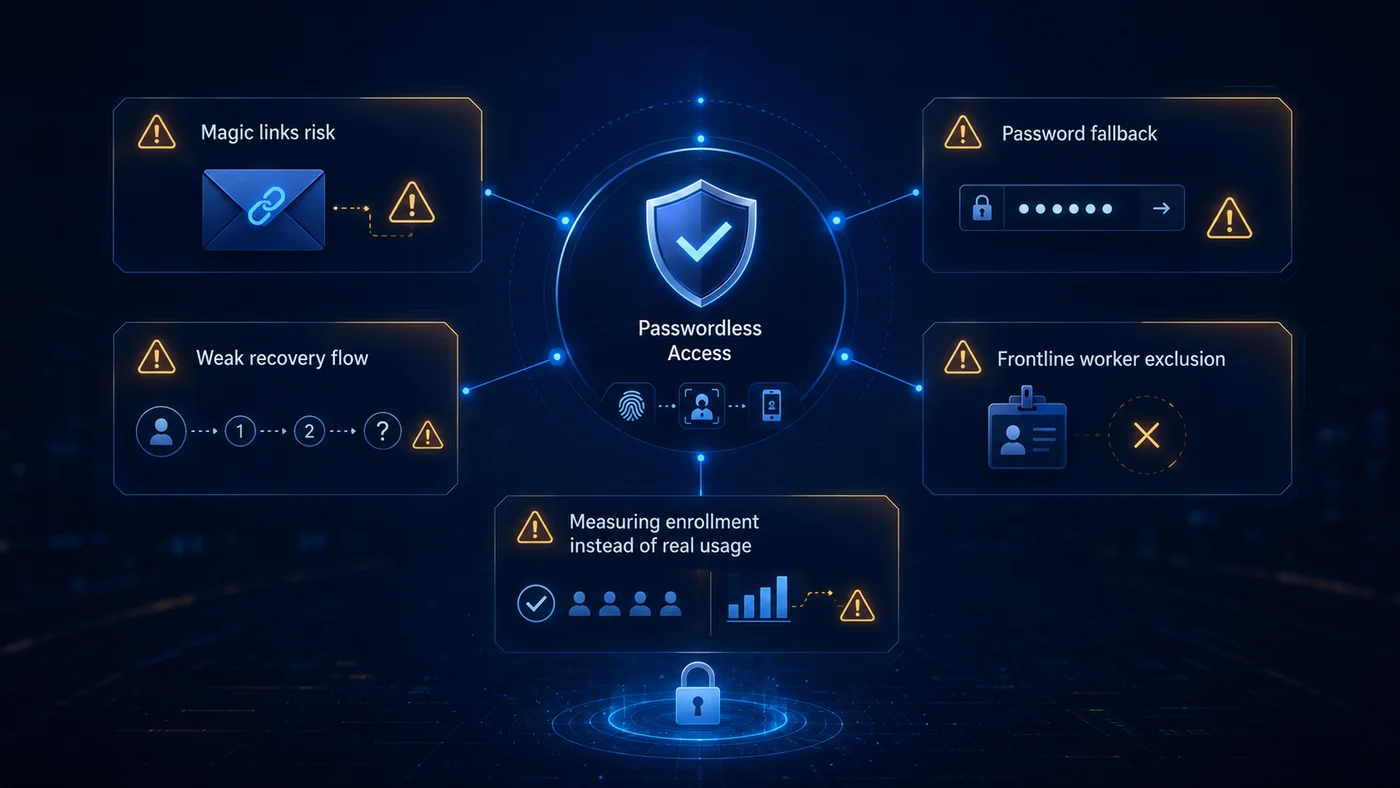 Five pitfalls that turn passwordless rollouts into audit findings. The FAQ below answers the questions that come up when buyers start looking past the demo and into the operational realities.
Frequently asked questions
What is passwordless authentication, and what does NIST 800-63B say about it?
Passwordless authentication removes the password as a primary factor and replaces it with phishing-resistant authenticators — typically a cryptographic credential held in a device (passkey, FIDO2 security key) or a biometric paired with a cryptographic authenticator. NIST SP 800-63B treats these as multi-factor cryptographic authenticators and maps them to Authenticator Assurance Levels (AAL2 and AAL3) based on properties like verifier impersonation resistance and authenticator-binding strength.
What is the difference between AAL2 and AAL3, and which methods qualify?
NIST SP 800-63B defines AAL2 as multi-factor authentication using at least one cryptographic authenticator, with verifier impersonation resistance not strictly required. AAL3 adds a hardware-based authenticator and requires verifier impersonation resistance — meaning the authentication channel itself cannot be relayed by a phishing proxy. FIDO2 security keys and platform authenticators in hardware-isolated enclaves can reach AAL3. Magic links, push-only methods, and most syncable passkeys reach AAL2 but not AAL3.
Is FIDO2 phishing-resistant, and how does that compare to passkeys?
FIDO2 is phishing-resistant by design — the cryptographic challenge is bound to the origin (the requesting domain), so a proxy on a look-alike domain cannot replay the response. Passkeys are an implementation of FIDO2 credentials with synchronization between a user's devices, simplifying recovery but introducing trade-offs around cross-platform sync vendors. Both meet CISA's phishing-resistant MFA bar; the AAL ceiling differs based on whether the credential is hardware-bound or syncable.
How do you deploy passwordless on a mainframe (RACF, ACF2, AS400)?
Mainframe passwordless is uncommon in vendor listicles because most passwordless platforms are cloud-CIAM-first. The practical path runs through an identity bridge — a modern IAM platform that owns the user lifecycle, then federates into RACF, ACF2, or AS400 via published connectors, LDAP gateways, or PKI smart cards. Avatier Identity Anywhere is one of the few platforms in this list with documented mainframe integration. The mainframe authentication itself often remains a smart card or certificate; the passwordless layer is the modern enrollment, attestation, and recovery flow above it.
What happens at a shared workstation, kiosk, or factory floor where users don't carry phones?
Shared workstations and frontline environments break most consumer passwordless models. Workable options include shared FIDO2 hardware keys with per-user PINs, Windows Hello on shared kiosks with per-user enrollment, smart card or PIV credentials tied to a badge, and deviceless approaches like Avatier's Identity Challenge Card. The right choice depends on the operational environment — manufacturing floors often prefer cards, hospitals often prefer biometric kiosks, retail often prefers shared-key plus PIN.
How do you handle recovery when an employee loses their device or token?
Recovery is where most passwordless deployments fail in audits. The strong pattern is multi-channel re-enrollment — the user verifies identity through a service-desk flow that itself does not rely on the lost authenticator (typically video verification plus an alternate-channel one-time enrollment code). Self-service recovery via SMS or email reintroduces the phishable factor passwordless was meant to replace. Service-desk identity verification during recovery is the under-discussed half of any passwordless rollout.
What does passwordless authentication actually cost beyond the licence?
Industry analyst data places password-reset tickets at 20-50 percent of total helpdesk volume; passwordless deployments measurably reduce that share, though the realized reduction depends on enrollment coverage and recovery-flow design. Operational costs that often surprise buyers include enrollment time per user, hardware replacement for lost FIDO2 keys, service-desk time for recovery cases, and integration cost for legacy systems that cannot natively consume FIDO2. The licence is usually the smaller line item.
Does passwordless authentication satisfy CISA's phishing-resistant MFA requirement under OMB M-22-09?
Federal phishing-resistant MFA guidance from CISA names FIDO2 and PIV/CAC smart cards as the qualifying methods; OMB M-22-09 sets phishing-resistant MFA as the federal baseline for agency staff and high-value internal systems. Passwordless solutions that use FIDO2, hardware-backed passkeys, or PKI smart cards align with that guidance. Magic-link and push-only methods do not. Avatier is a signatory to the CISA Secure-by-Design Pledge — the platform aligns with CISA's published guidance on phishing-resistant MFA.
Bottom line — pilot two, then decide
The honest finishing move on this category is to shortlist two platforms, pilot both against your hardest workforce segment, and decide from data. Most enterprises pick a workforce platform for desk and contractor populations and a separate solution for frontline or shared-device users, because no single platform covers everything well. That is fine — the multi-platform pattern is the dominant one in production deployments.
If your hardest segment is mainframe operators, shared workstations, or phoneless frontline workers, book an executive briefing with Avatier — those are the segments Identity Anywhere and the Identity Challenge Card were built for. If your hardest segment is consumer onboarding, look at Descope, Auth0, FusionAuth, or Stytch first. Either way, the right outcome is a deployment that fits your workforce. That is the whole reason this guide is structured the way it is.
For the underlying authentication mechanics — how WebAuthn works, why FIDO2 is phishing-resistant, what the cryptographic ceremony looks like — see our companion piece on WebAuthn for enterprise passwordless authentication. If you are earlier in your MFA journey and not yet ready to remove passwords entirely, start with the Best MFA Solutions for 2026 guide and come back here when the MFA foundation is in place.
About the author
More from Buyer's Guides
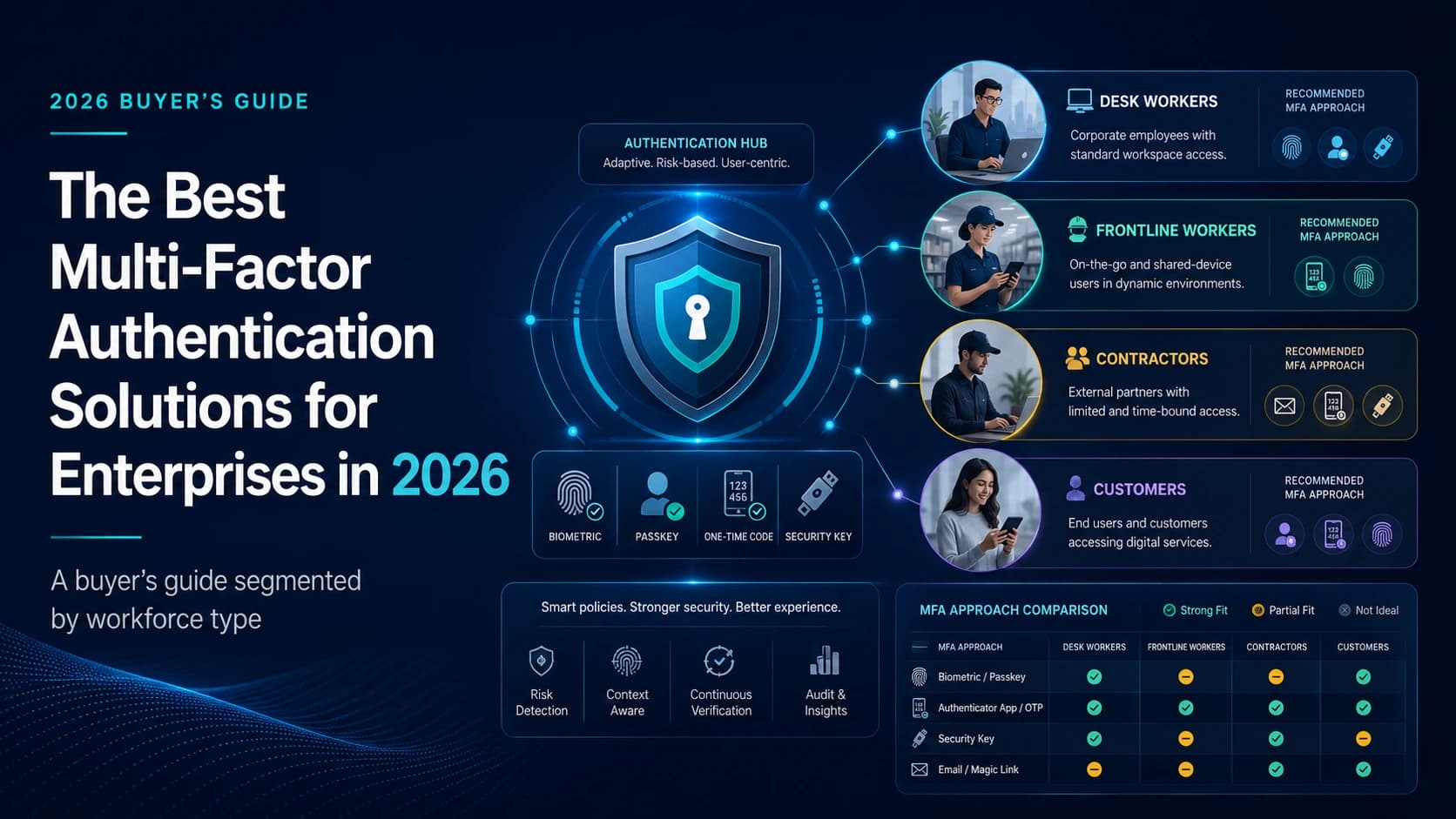
The Best Multi-Factor Authentication Solutions for Enterprises in 2026
A 2026 buyer's guide to enterprise MFA solutions, segmented by workforce type. Compare 12 vendors across desk, frontline, contractor, and customer use cases.
Compliance in a Passwordless Environment: The 2026 Audit Playbook
Going passwordless doesn't automatically satisfy an auditor. Here is what NIST, SOX, HIPAA, and PCI reviewers actually check in a passwordless deployment, and where the evidence gaps show up first.
How Cybercriminals Exploit Weak OTP: The Attacker Playbook (2026)
Weak OTP fails at four specific points — SIM swap, real-time phishing relay, SS7 interception, and MFA fatigue — and every one of them is a known, repeatable attacker technique in 2026.