The Best Multi-Factor Authentication Solutions for Enterprises in 2026
A 2026 buyer's guide to enterprise MFA solutions, segmented by workforce type. Compare 12 vendors across desk, frontline, contractor, and customer use cases.
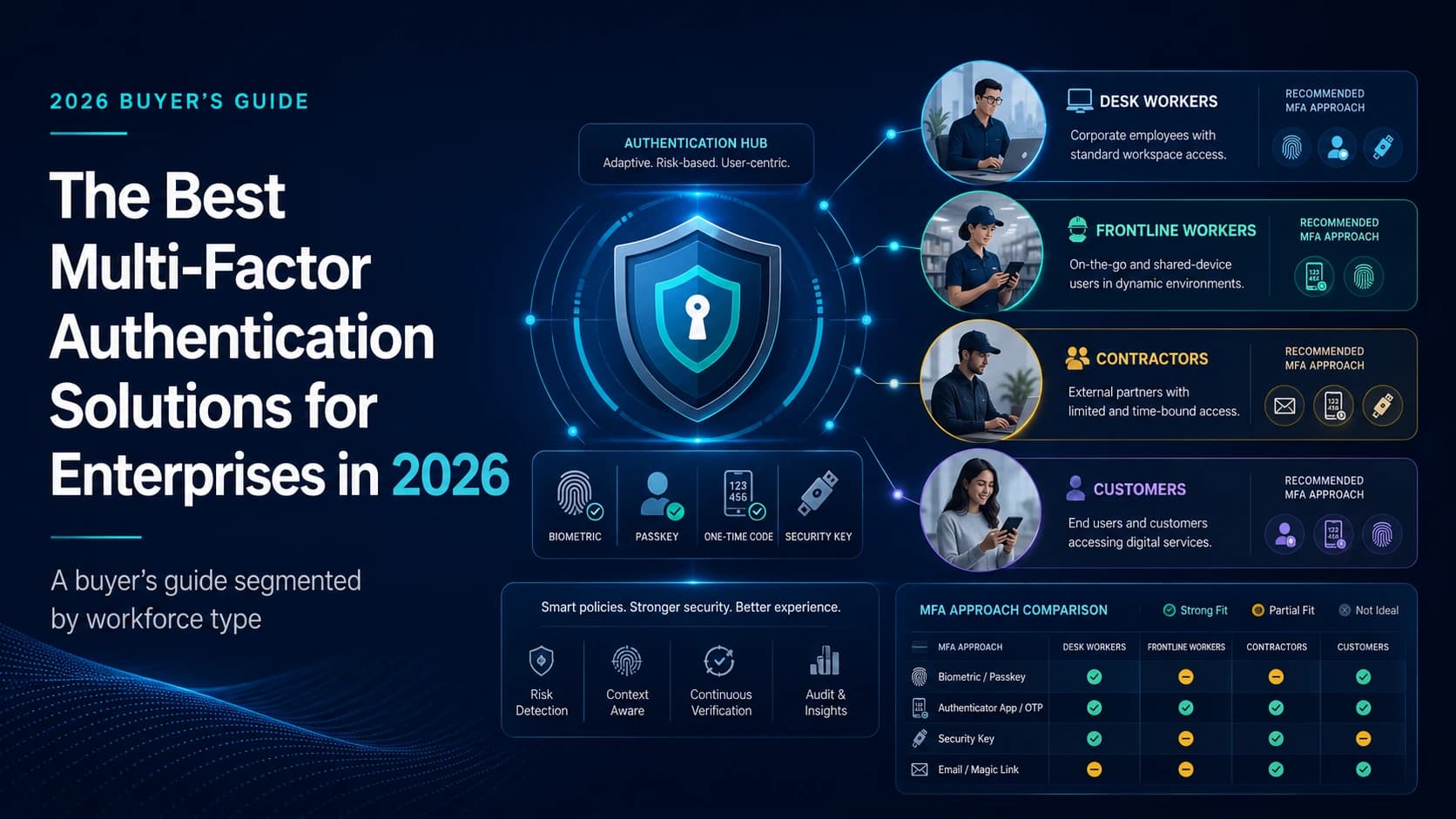
A 2026 buyer's guide to enterprise MFA solutions, segmented by workforce type. Compare 12 vendors across desk, frontline, contractor, and customer use cases.
Enterprise multi-factor authentication is harder to buy in 2026 than it was in 2020. The technology is more mature. The standards are clearer. The threat landscape, by every available measure, is more aggressive. And yet the question every security and identity leader actually asks — which MFA solution should we buy for our organization? — has a more complicated answer than it did six years ago.
The reason is workforce composition. The MFA market has spent most of its history assuming the population it protects looks like a software engineer at a cloud-native company: a personal smartphone, a company laptop, a company email address, persistent device sessions, and a single primary workstation. That assumption breaks for a large fraction of the modern workforce. It breaks for the hospital floor nurse who shares a workstation with seven other people on her shift, doesn't carry a personal phone in scrubs, and doesn't have a company email. It breaks for the manufacturing operator on the plant floor who can't use a phone in the production area. It breaks for the field technician whose only network connection is intermittent LTE. It breaks for the contractor whose account exists for thirty days and then disappears.
What this means in practice: the "best MFA solution" question depends on which workforce you are protecting. This buyer's guide is structured around that reality. We compare eleven vendors, cover the authentication methods that matter, and then — the centerpiece of the guide — match solutions to four distinct workforce segments. Read the segment that matches your environment first. The vendor list will narrow naturally.
A note on framing. This is not a vendor listicle dressed up as a buyer's guide. The vendor section is alphabetical and neutral. We name direct competitors of our own platform — Cisco Duo, Microsoft Entra ID, Okta — because a guide that omits the obvious answers isn't credible. Where Avatier fits is in the workforce-segmentation section, specifically in the frontline and shared-device subsection, where our deviceless Identity Challenge Card belongs by capability. Treat that as one entry in a structured framework, not as the answer the framework was built to support.
The state of enterprise MFA in 2026
Multi-factor authentication is the practice of requiring two or more independent factors to verify a user's identity at the point of authentication. The three factor categories — something you know, something you have, something you are — have been stable for two decades. What has changed is the menu of specific authenticators inside each category, the assurance levels the standards bodies assign to each, and the threat models the authenticators are expected to resist.
The "best MFA" question in 2026 does not have a single answer because the same organization typically supports multiple workforce types with structurally different authentication needs. Desk workers, frontline workers, contractors, and customer-facing users live in different physical environments, with different device fleets, different network conditions, different lifecycle expectations, and different regulatory exposure. A single MFA platform can cover all four — most enterprise buyers want that — but the methods the platform offers, and the depth of support for each method, vary dramatically across vendors.
This guide covers four workforce segments. For each, we identify the authentication methods that work and the methods that fail in that environment. We then map vendors to segments so a buyer can move from "what is our workforce" to "which vendors should we shortlist" without a vendor-pitch in the middle.
Why MFA fragmented in 2026 (and why one-size-fits-all stopped working)
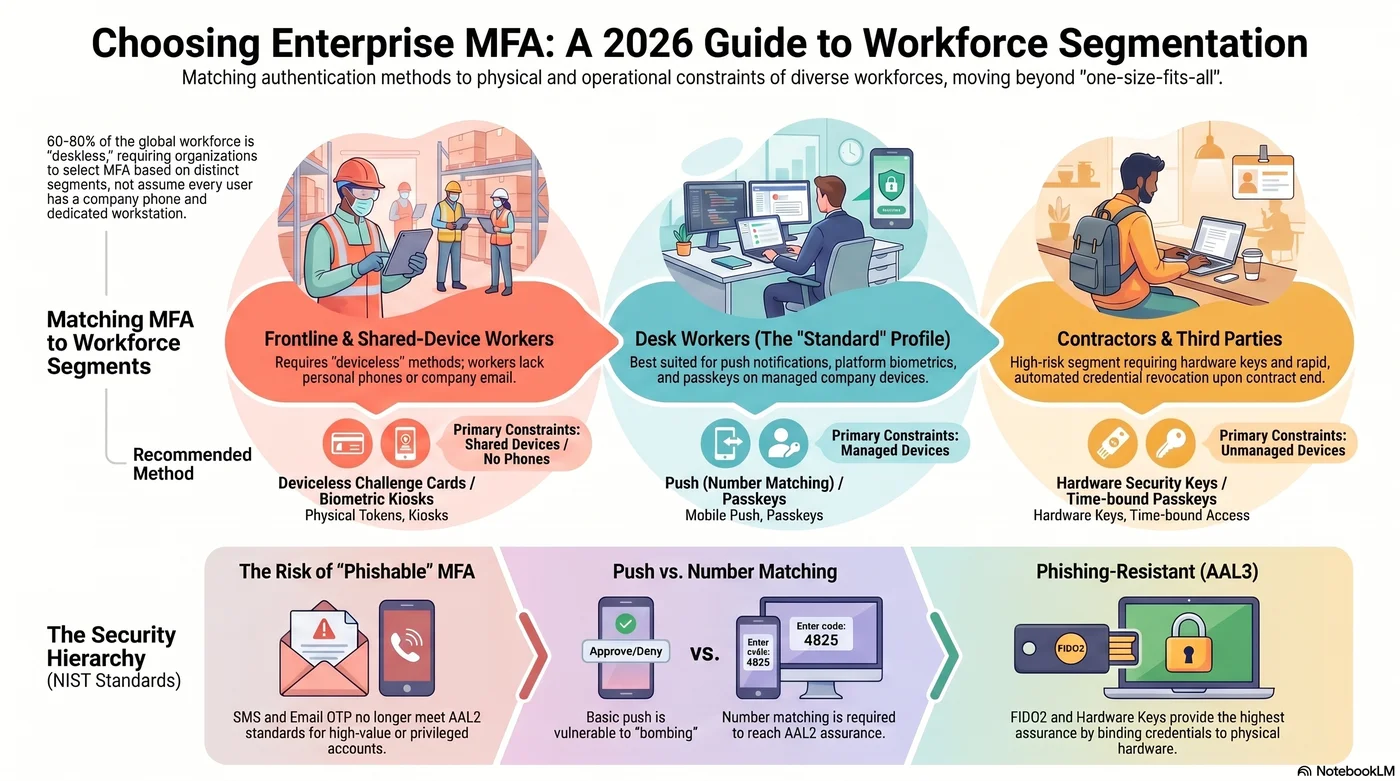
The desk-worker assumption that broke
Most enterprise MFA products were designed around an implicit workforce profile. The user has a company smartphone with an active data plan. The user has a company email address. The user has a primary workstation, owned by the company, that the user signs into at the start of the day and stays signed into for hours. The user can install an authenticator app, receive a push notification, and respond to a number-matching prompt without leaving the application they were using.
That profile describes a meaningful share of the enterprise workforce. It does not describe all of it, and arguably not most of it. Industry analyses of the "deskless" or "frontline" workforce — workers who do not primarily sit at a computer — vary in their estimates, but most fall in the range of 60 to 80 percent of the global workforce. Deloitte's analyses of the frontline workforce, Gartner's coverage of deskless productivity, and the World Economic Forum's "Future of Jobs" reporting all point at the same gap: the population that MFA strategies are designed for is the minority of the population most enterprises actually employ.
This is not an Avatier feature observation. It is a category gap. The product category as it currently exists optimizes for a workforce profile that under-represents the workforce most enterprises actually have. The category will eventually correct. The buyer's question in the meantime is what to do about it now.
Four workforce types, four MFA realities
A useful way to structure the MFA buying conversation is to recognize four distinct workforce types that need fundamentally different authentication approaches.
Desk workers are the population MFA was built for. They have smartphones, company email, persistent device sessions, and the ability to receive a push notification or read a number-matching prompt without operational friction. Push, platform biometrics, passkeys, and authenticator app TOTP all work for this population. The buying question for desk workers is mostly about adaptive policy depth and integration breadth, not whether MFA is possible.
Frontline workers include hospital floor staff, retail associates, manufacturing operators, hospitality workers, transportation crews, field technicians, and warehouse staff. The constraints are stacked: shared devices, no personal smartphone available during the shift, no company email, and in many environments no phone allowed in the work area at all. Push MFA is a non-starter. SMS MFA requires a personal phone the worker may not have. Hardware tokens fail when the worker has nothing to attach them to and no place to store them. This segment is what the deviceless challenge-card category was built for.
Contractors and third parties present a different set of constraints. The device is typically unmanaged by the enterprise, the account exists for a short window, and the risk profile is high because contractor credentials are a known attacker target. The authentication methods need to be strong, the enrollment needs to be fast, and the lifecycle needs to support automated revocation. Hardware keys and time-bound passkeys both work; persistent push-based enrollments often do not.
Customer-facing users — the CIAM (Customer Identity and Access Management) population — have their own physics. Friction kills conversion. Enrollment must be optional or near-optional. The authentication method must support a wide range of devices, including older browsers and low-end phones. Risk-based step-up, social login plus step-up MFA, and passkey adoption are the dominant patterns. CIAM is its own market with its own vendors, and we cover the major ones in the vendor list but treat the segment more briefly than the workforce-side segments.
Why most MFA listicles get this wrong
Most published comparisons of enterprise MFA vendors are written for the desk-worker case and ignore the other three. The result is a vendor ranking that is internally consistent but answers the wrong question for any buyer whose workforce includes frontline, shared-device, or contractor populations. A more useful structure is to define the segments first and then evaluate which vendors actually serve each segment. That is the structure this guide follows.
MFA authentication methods compared
Before evaluating vendors, it helps to be precise about which authentication methods actually meet which assurance levels. Vendors sell platforms; standards bodies certify methods. The two don't always line up cleanly, and most product pages elide the difference.
Phishing-resistant methods
Phishing-resistant methods are those that cannot be defeated by a real-time phishing kit that proxies the legitimate authentication flow. CISA's 2023 guidance on implementing phishing-resistant MFA names two main categories: FIDO/WebAuthn and PKI-based authenticators. NIST SP 800-63B treats the same set as eligible for AAL3.
FIDO2 / WebAuthn / Passkeys. Public-key authentication where the credential never leaves the device. The user demonstrates possession by signing a server-issued challenge. Resistant to phishing, credential stuffing, and replay. Synced passkeys (Apple, Google, Microsoft) made the user experience competitive with passwords for the first time in 2024 and 2025.
Hardware security keys. YubiKey, Google Titan, and similar physical tokens. Use the same FIDO2 protocol on the wire, but the credential is bound to the physical key. Highly phishing-resistant. Recommended for high-privilege accounts even when an organization is otherwise on passkeys.
Platform biometrics paired with cryptographic authenticators. Windows Hello, Touch ID, and Face ID rely on a TPM or Secure Enclave to bind the biometric verification to a device-resident cryptographic credential. The biometric does not leave the device. Reaches AAL2, and AAL3 with hardware-backed key storage.
Deviceless challenge-card systems. A growing category that provides three-factor verification — something you have (a physical card or token), something you know (a PIN or memorized credential), and a context-bound challenge — without requiring a smartphone, an installed app, or a network connection at the moment of authentication. The category sits adjacent to hardware keys but is designed for shared-device and frontline scenarios where attaching a key fob to a person isn't viable. Avatier's Identity Challenge Card is one implementation; others exist in specific verticals such as clinical workflows.
Phishable methods
These methods provide some authentication assurance but can be defeated by a sufficiently determined attacker.
SMS OTP. A one-time code delivered by text message. Vulnerable to SIM-swap attacks and real-time phishing. NIST SP 800-63B's recent revisions exclude SMS OTP from AAL2 for high-value accounts. Common as a recovery factor; should not be the primary MFA factor for privileged users.
Email OTP. A one-time code delivered by email. Defeated entirely if the email account is also compromised, and prone to the same real-time phishing attacks as SMS.
Voice OTP. A phone call that reads out a code. Same SIM-swap and call-forwarding risks as SMS, with worse accessibility characteristics.
Security questions. Knowledge-based authentication using static personal facts. Considered weak by every modern standard and not appropriate as a primary or secondary factor.
Push-based methods
Push-based MFA sits between phishing-resistant and phishable, depending on implementation.
Push notifications. A "yes" or "no" prompt sent to a previously enrolled device. Defeated by push bombing — attackers flood the user with prompts until they accept one. Most major vendors have responded by adding number matching.
Number matching. The login screen displays a number and the push prompt asks the user to select the matching number. Resistant to push-bombing. Considered AAL2 when paired with a device-bound credential.
Authenticator app TOTP. A six-digit code generated by an authenticator app on a known device. Time-bound, no network dependency, widely compatible. Phishable by real-time proxy attacks but resistant to replay.
Which methods meet NIST 800-63B AAL2 and AAL3
A note on framing: NIST SP 800-63B specifies Authenticator Assurance Levels (AAL1, AAL2, AAL3) for authenticators, not for products. Vendor marketing often says "NIST-compliant MFA" without specifying which AAL the configured methods reach. The accurate framing is method-by-method.
AAL2 requires multi-factor authentication using a cryptographic authenticator, or a memorized secret plus an out-of-band device. Methods that reach AAL2 include FIDO2 authenticators, hardware OTP tokens, platform biometrics paired with cryptographic credentials, and push with number matching when paired with a device-bound credential. SMS OTP and email OTP do not reach AAL2 under the most recent revision.
AAL3 requires hardware-based cryptographic authenticators and verifier impersonation resistance. The eligible methods are FIDO2 authenticators with hardware key storage, including hardware security keys and platform authenticators backed by a TPM or Secure Enclave.
For a regulated workload that claims AAL3, the vendor's documentation should specify the exact authenticator configuration that reaches AAL3 — not just that AAL3 is "supported." This is one of the most common ways vendor marketing overstates compliance posture.
The 12 best multi-factor authentication solutions for 2026
The list is alphabetical, not ranked. Each vendor gets the same structure: a capability description, a "best for" line that names the buyer scenario, and one honest trade-off. Pricing is omitted because public pricing is incomplete for most vendors and shifts frequently; confirm with the vendor.
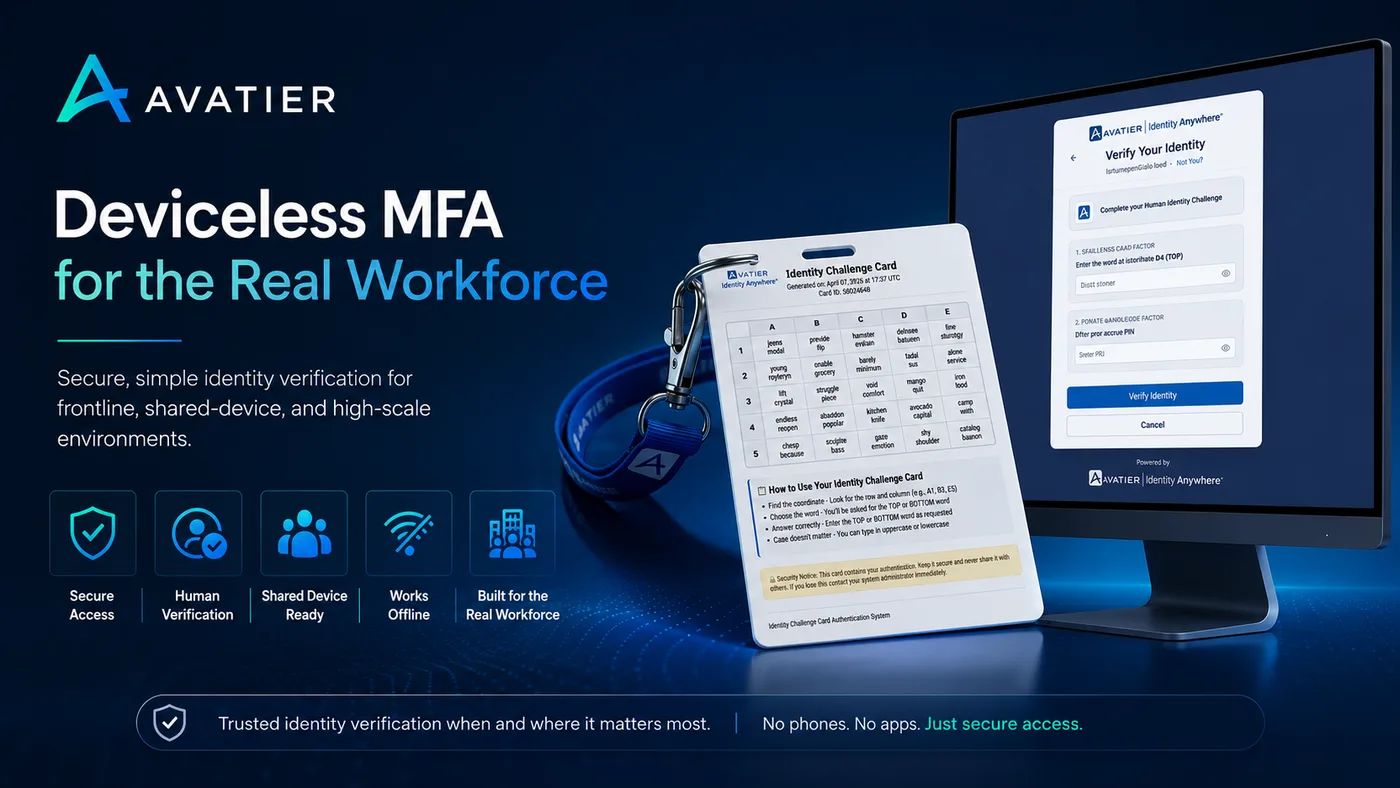
1. Avatier Identity Anywhere MFA
Avatier's Identity Anywhere platform provides multi-factor authentication across the standard method catalog — TOTP, push, hardware keys, FIDO2 — and includes the deviceless Identity Challenge Card as an additional authentication method aimed at shared-device, frontline, and offline scenarios. The platform integrates with Avatier's broader identity management, governance, and password management capabilities, which matters for buyers consolidating a stack rather than buying a point MFA solution.
Best for: enterprises with mixed workforces that include frontline, shared-device, or contractor populations and need a single platform that covers all four workforce segments.
Honest trade-off: The platform's center of gravity is the workforce-IAM side of the market.
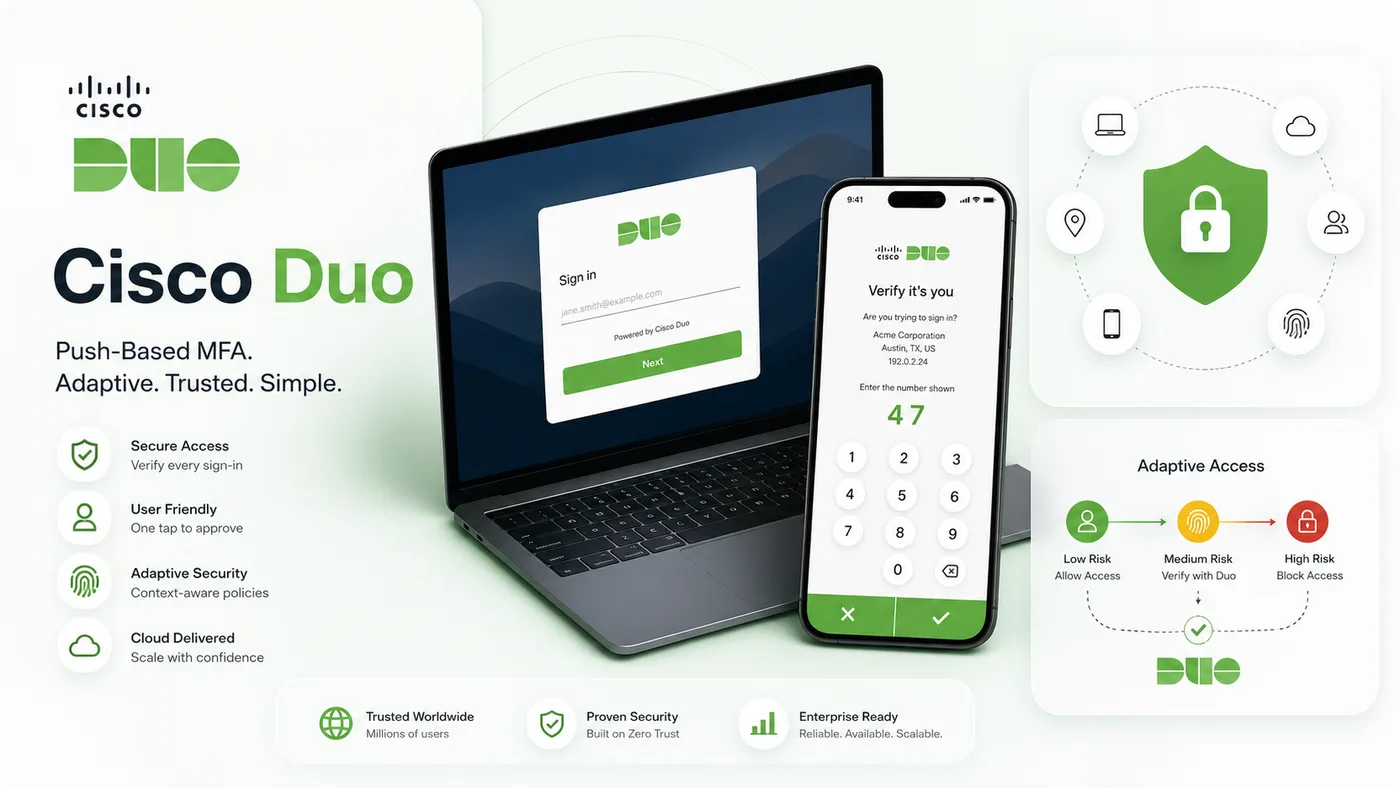
2. Cisco Duo
Cisco Duo is one of the strongest push-based MFA offerings, with a broad application catalog and a focus on operational simplicity. The number-matching and verified-push implementations are mature. Duo's integration depth is one of the deepest in the market for SAML, OIDC, and legacy RADIUS applications.
Best for: organizations prioritizing broad application coverage, quick deployment, and operational simplicity over a single-vendor IdP consolidation.
Honest trade-off: Duo is an MFA-first product, not a full IdP. Buyers wanting one vendor for both directory and MFA pair Duo with a separate IdP, which adds integration surface.
3. Google Authenticator
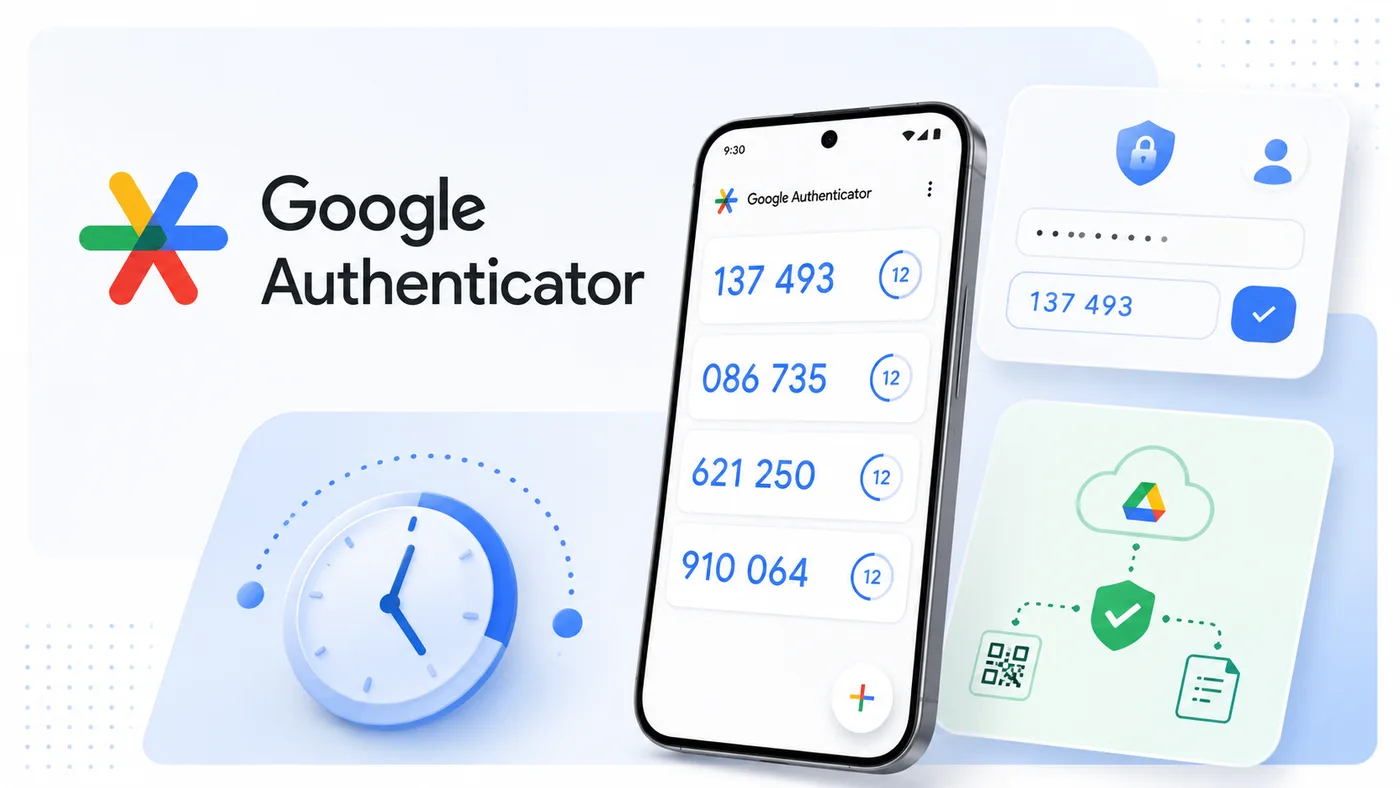
Google Authenticator is a free TOTP generator. It is not an enterprise MFA platform — there is no central management, no policy engine, no audit logging. It is the right answer for very small teams, or as a backup TOTP factor inside a larger MFA platform, but it is not appropriate as the primary enterprise MFA.
Best for: very small teams, individual developer accounts, or applications that need a free TOTP backup.
Honest trade-off: no enterprise management. If you have more than a handful of users, you will need something else.
4. HYPR
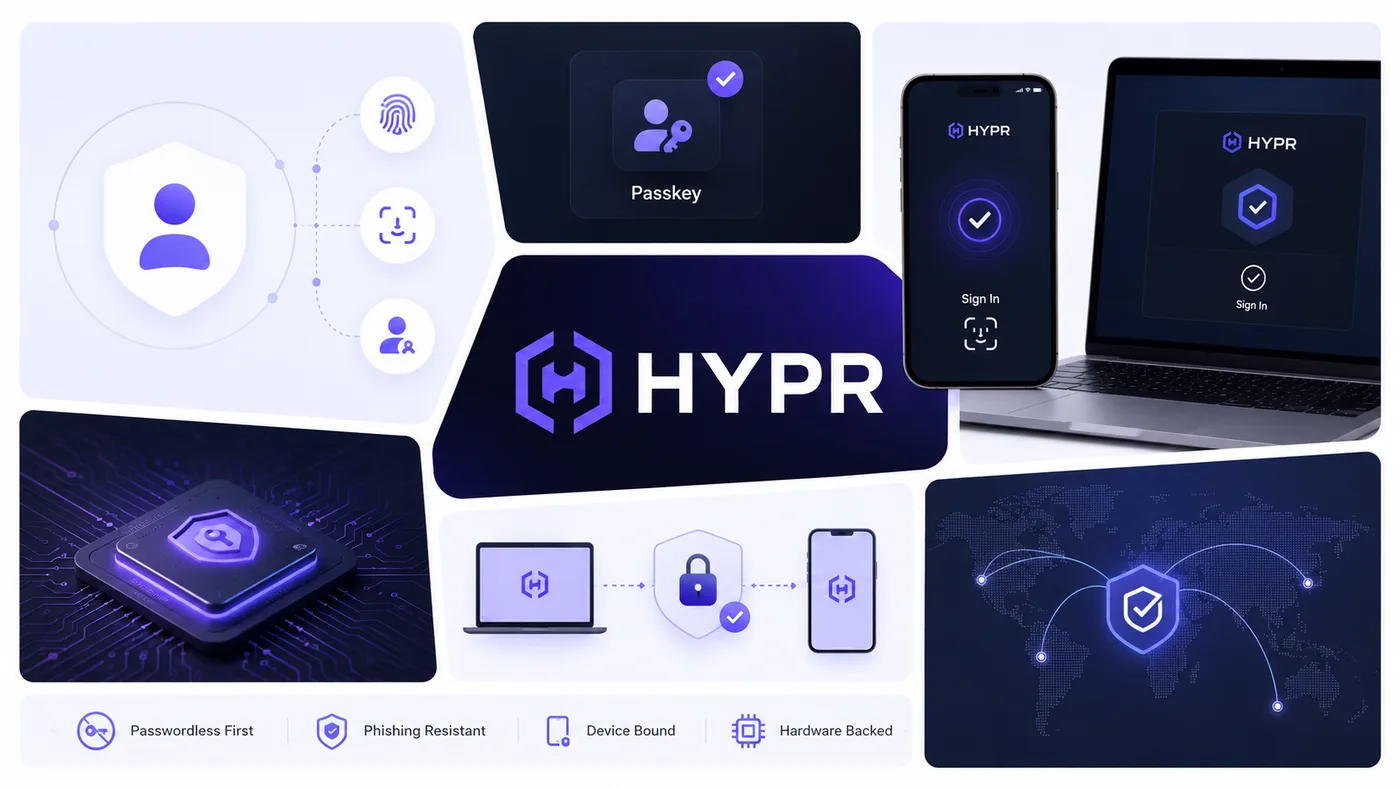
HYPR's positioning is passwordless-first phishing-resistant MFA. The platform binds credentials to hardware and replaces passwords entirely rather than adding MFA on top of them. The architecture is well-suited to organizations that have explicitly decided to retire passwords across the workforce, including frontline scenarios with specific deployment patterns.
Best for: organizations replacing passwords with passkeys and hardware-bound credentials as the primary authentication mechanism.
Honest trade-off: the passwordless-first architecture is opinionated. Buyers who want a phased approach that keeps passwords for some populations may find the model less flexible than a traditional MFA platform.
5. JumpCloud MFA
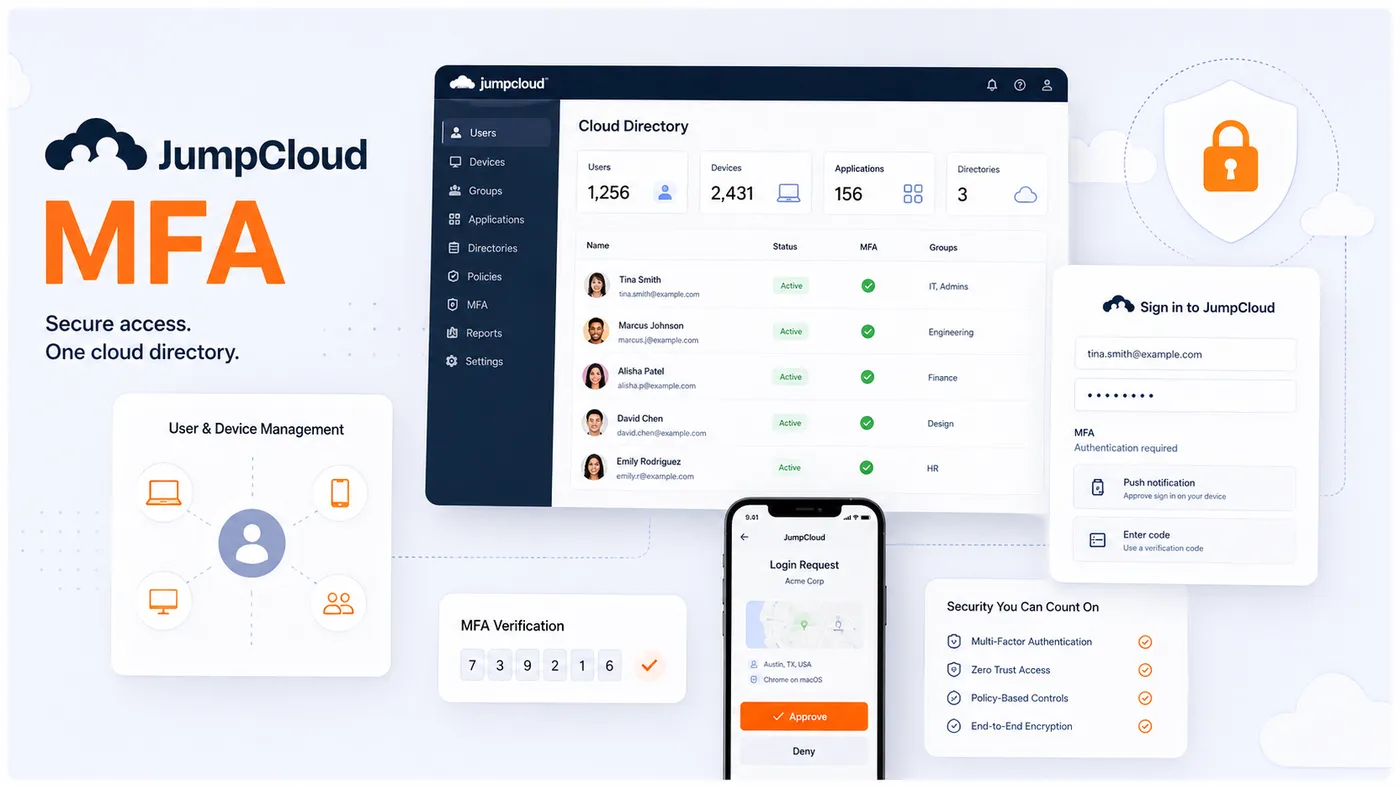
JumpCloud bundles MFA with its cloud directory product. The MFA capabilities are competitive with standalone offerings for the workloads JumpCloud already supports, and the bundling is attractive for SMB and mid-market buyers who want fewer vendors.
Best for: SMB and mid-market organizations already using JumpCloud as their directory.
Honest trade-off: JumpCloud's enterprise feature set is younger than the established IdPs (Okta, Entra). Large regulated environments often still default to one of the incumbents.
6. Microsoft Entra ID MFA
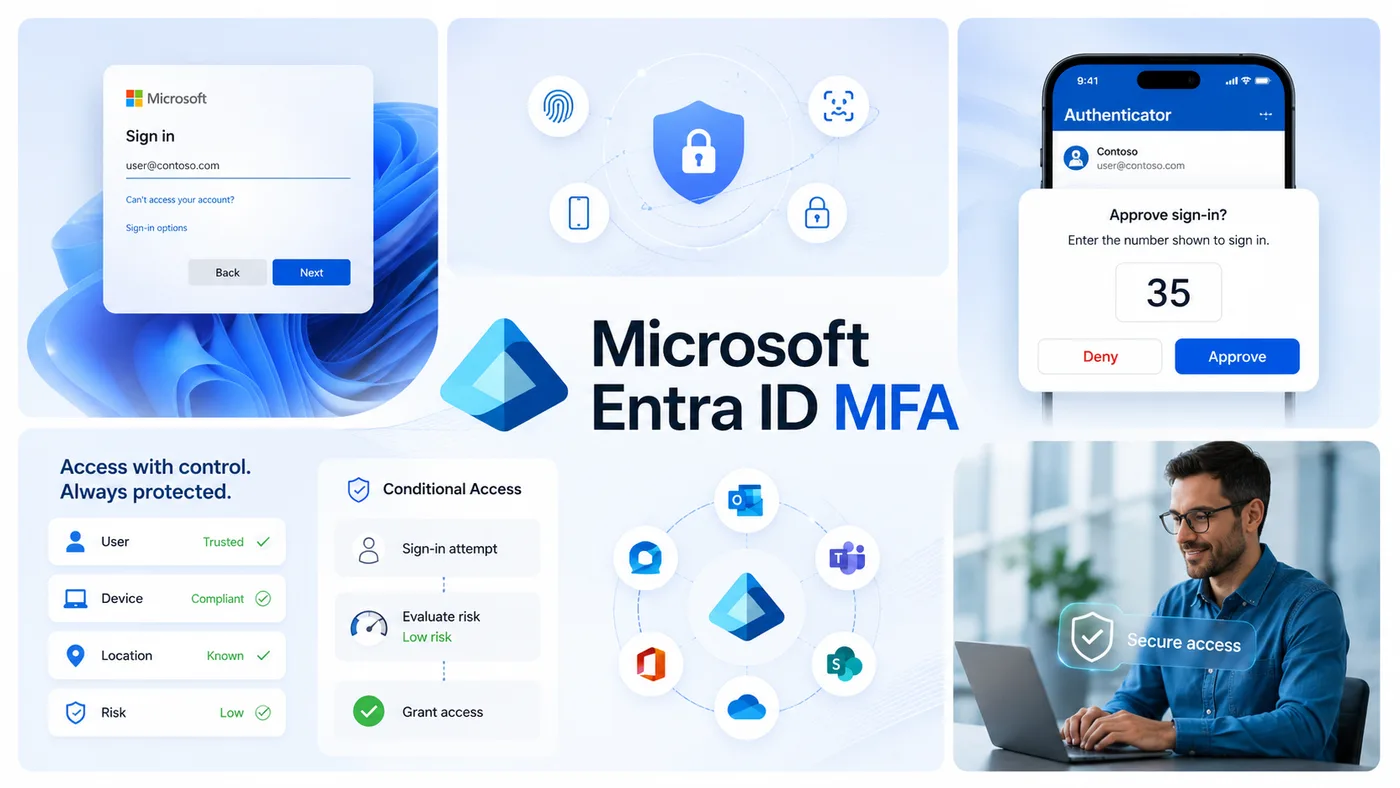
Microsoft Entra (formerly Azure Active Directory) includes MFA in its P1 and P2 tiers. The push experience uses the Microsoft Authenticator app with number matching by default. Integration with Microsoft 365 and the broader Microsoft estate is native and deep.
Best for: Microsoft-first environments where Entra licensing is already in place, or organizations consolidating on the Microsoft identity stack.
Honest trade-off: the strongest features (Conditional Access, risk-based policy) require P2 licensing and a working investment in policy authoring. Organizations that buy Entra and stop at the default policies leave significant value on the table.
7. Okta Adaptive MFA
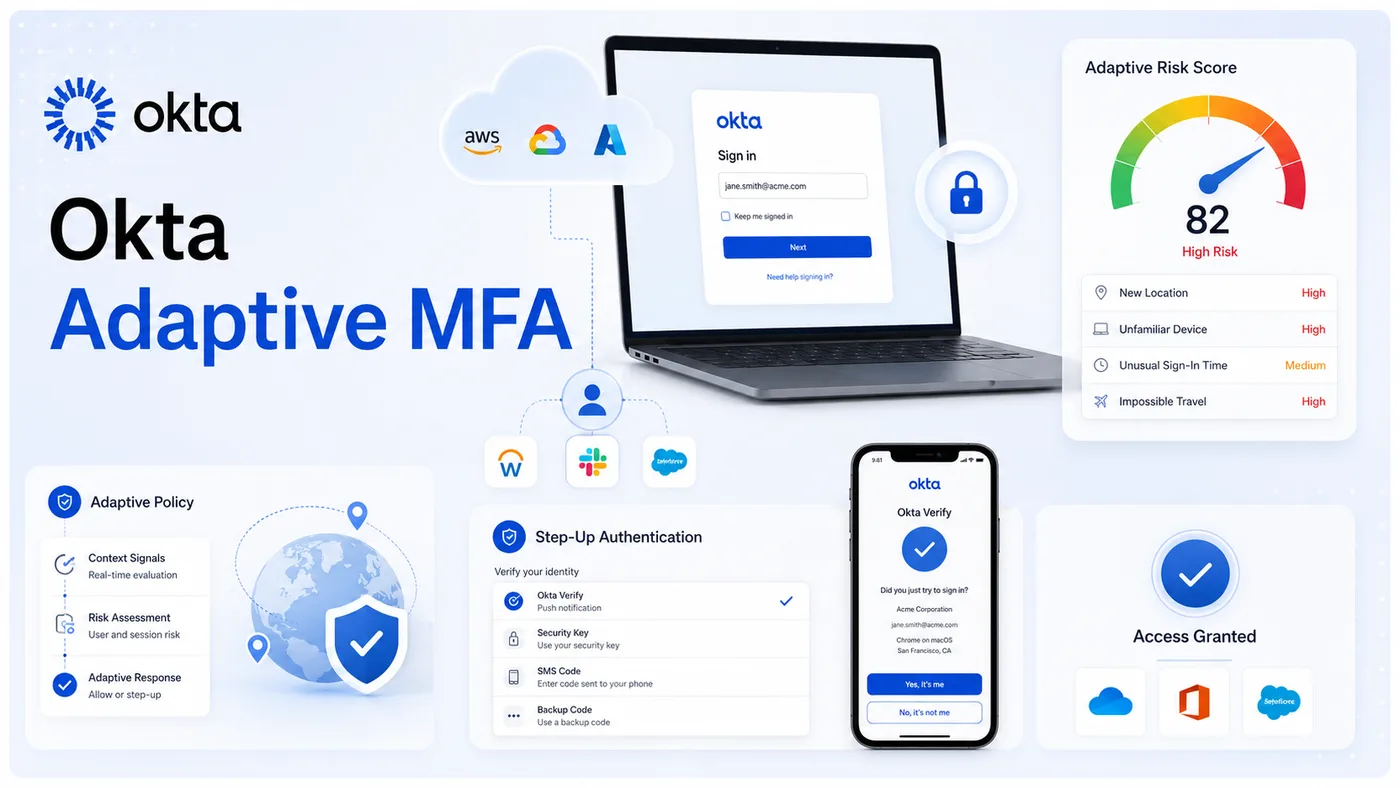
Okta Adaptive MFA is a cloud-first MFA product with a mature adaptive policy engine and broad integration coverage. Risk-based step-up, ThreatInsight risk signals, and Okta Verify with number matching are all in the default configuration.
Best for: cloud-native and cloud-first organizations using Okta as their IdP and wanting a single vendor for directory, SSO, and MFA.
Honest trade-off: Okta's pricing is premium relative to bundled MFA inside an IdP the organization already pays for. Buyers should confirm the total seat cost across SSO and MFA SKUs.
8. OneLogin MFA
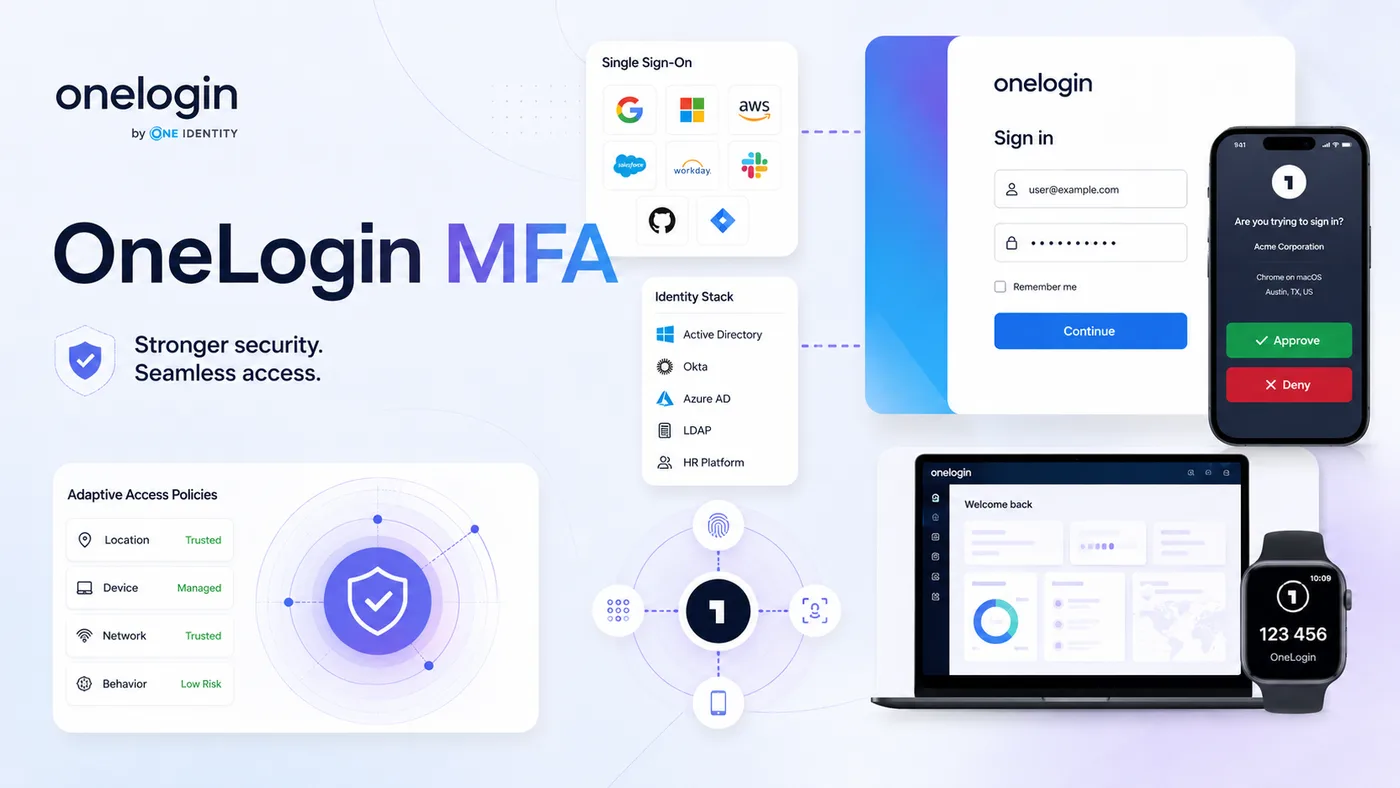
OneLogin MFA is bundled with OneLogin's IdP and supports adaptive policies, biometric authenticators, and the standard push and TOTP factors. Integration with the OneLogin SSO and identity lifecycle features is the main value driver.
Best for: OneLogin customers extending their existing identity stack rather than buying a standalone MFA.
Honest trade-off: OneLogin is a smaller IdP than Okta or Entra. Buyers should evaluate whether the integration roadmap matches their application portfolio.
9. Ping Identity (PingOne MFA)
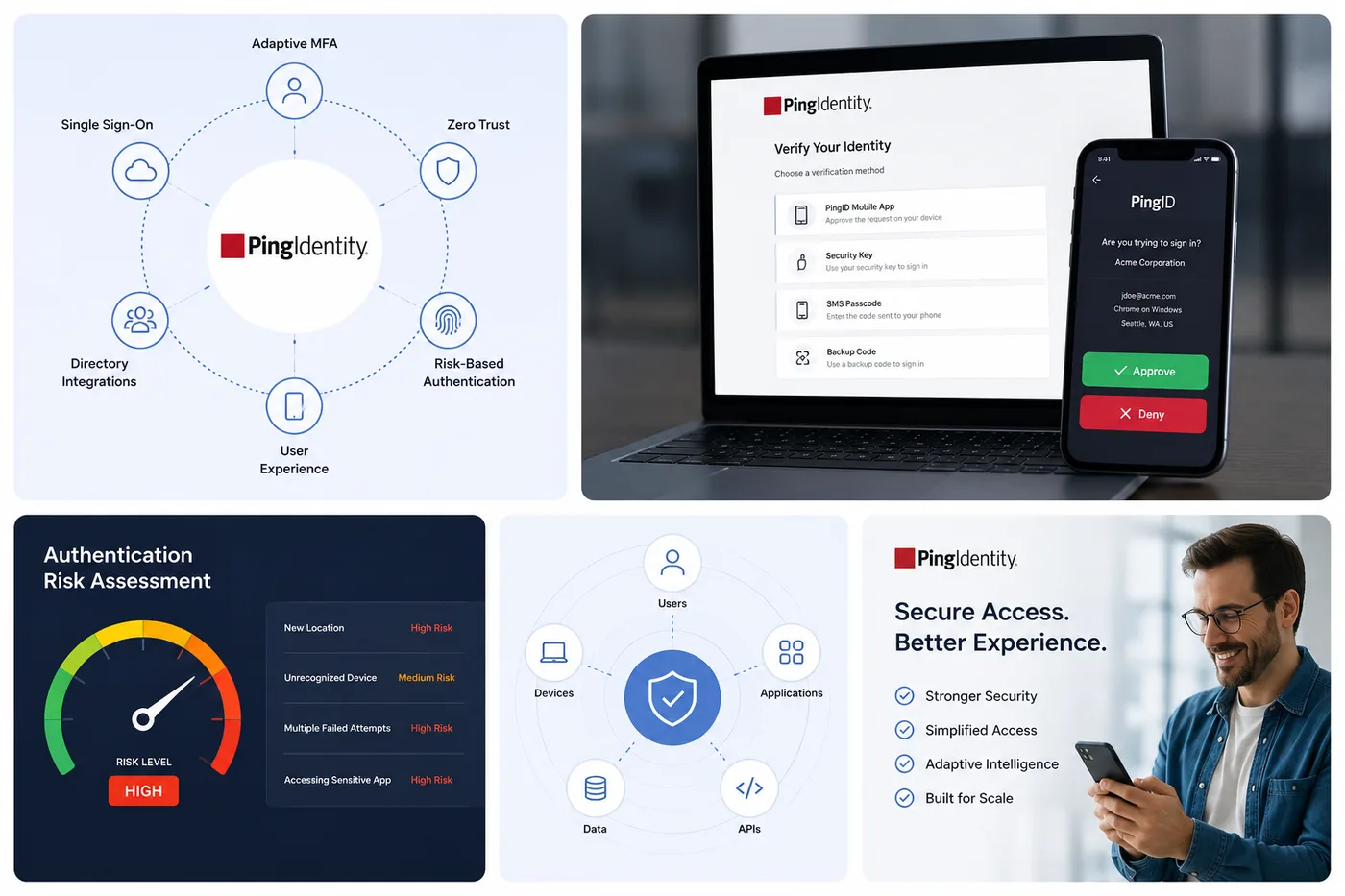
PingOne MFA is the cloud MFA product from Ping Identity, with a strong adaptive policy engine and deep integration with PingOne's directory, SSO, and access governance products. The platform is heavily used in financial services, healthcare, and other regulated industries.
Best for: large regulated organizations, especially those already using Ping for SSO and federation.
Honest trade-off: the Ping product family is broad and the licensing combinations are non-trivial. Buyers should expect to spend time understanding which features sit in PingOne, PingFederate, and PingID.
10. RSA SecurID
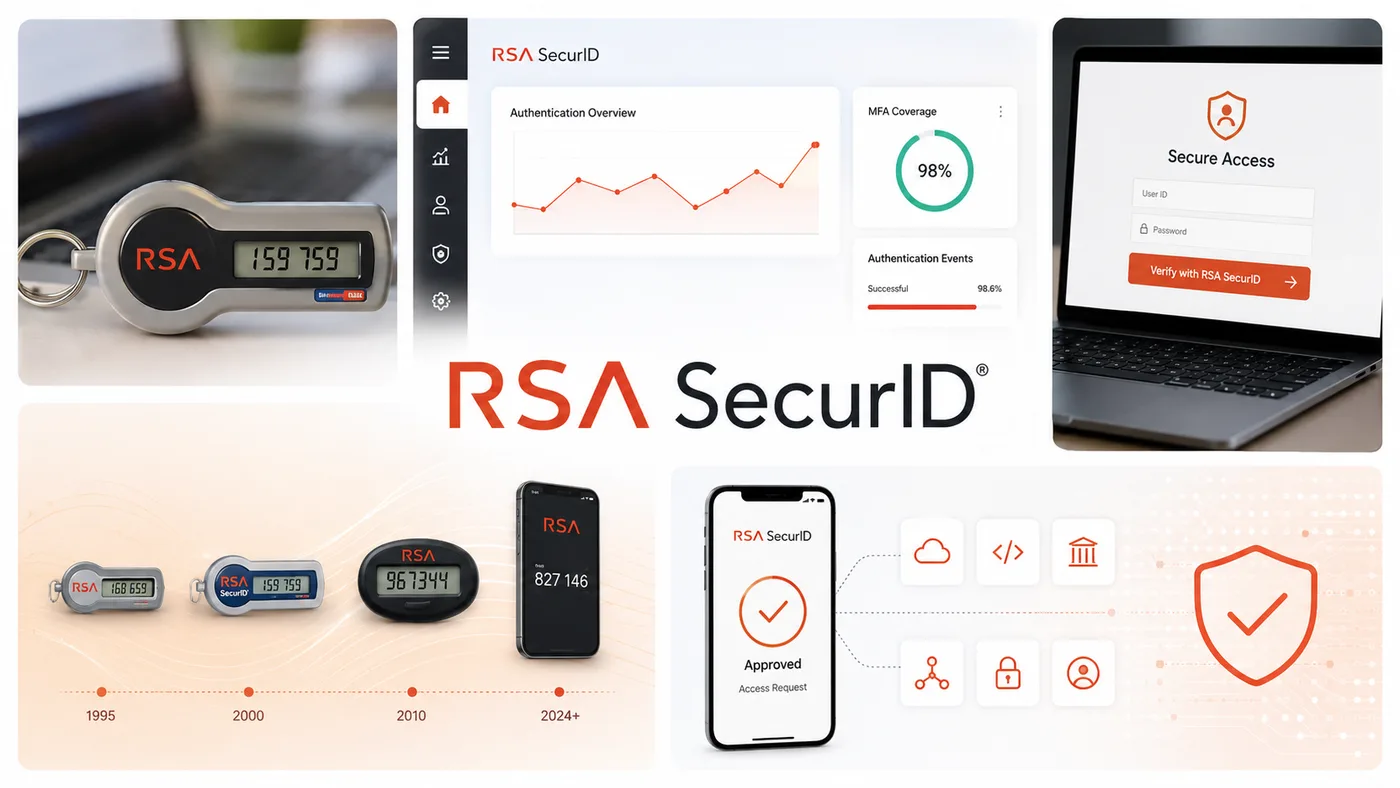
RSA SecurID is the original hardware-token MFA and remains widely deployed in legacy environments. Modern RSA also offers software tokens and push, but the hardware-token-first heritage is the defining characteristic.
Best for: legacy environments with existing RSA infrastructure where rip-and-replace is not a near-term option.
Honest trade-off: the operational model is heavier than cloud-native MFA, and the user experience reflects the product's age. New deployments tend to evaluate other platforms first.
11. Silverfort
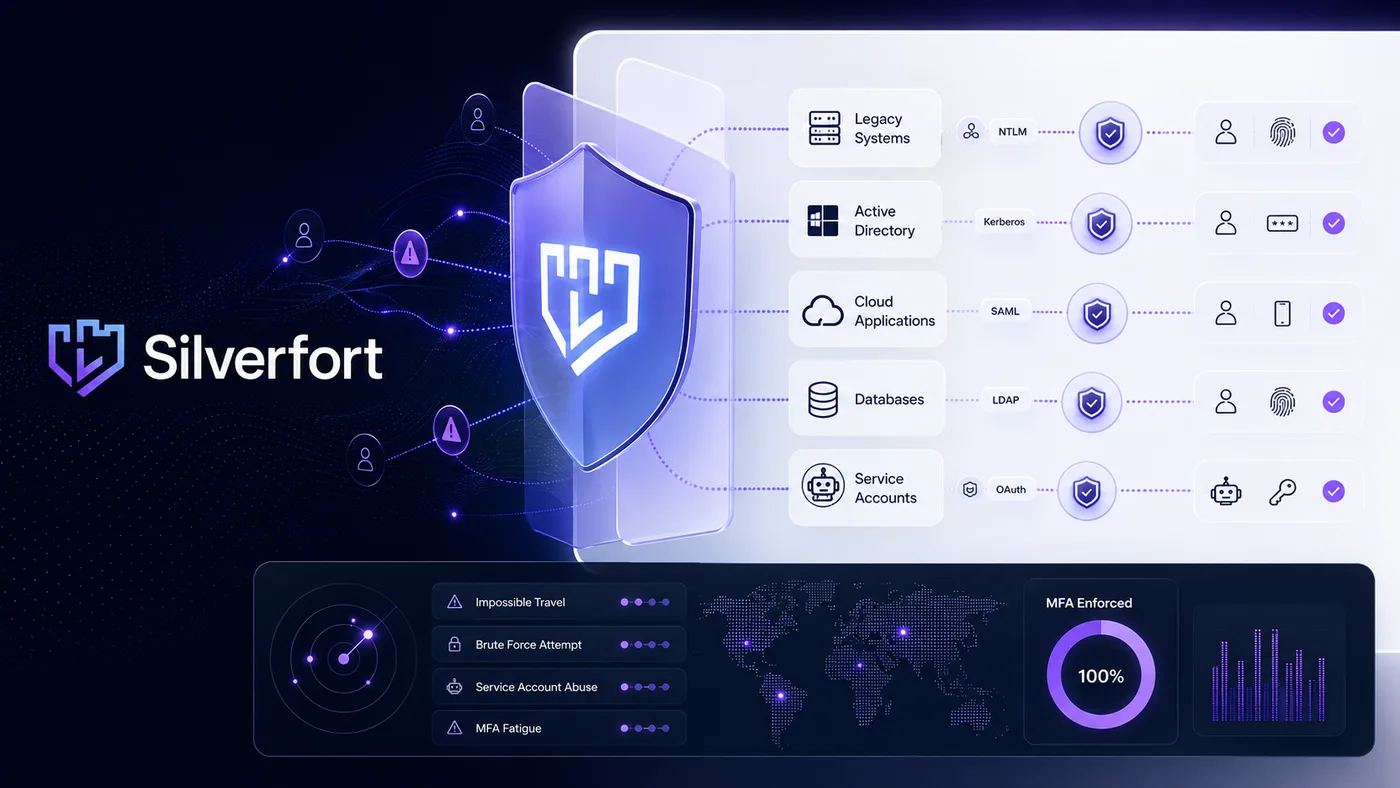
Silverfort takes a different approach: it layers identity threat detection and MFA enforcement over existing authentication infrastructure, including legacy applications that don't natively support MFA. The architecture is particularly useful for protecting service accounts and legacy systems where retrofitting MFA is otherwise difficult.
Best for: organizations needing to enforce MFA across legacy systems, service accounts, and authentication paths that the primary MFA product can't natively reach.
Honest trade-off: Silverfort sits alongside an existing MFA, not instead of one. Buyers should plan it as a layer over their primary identity stack, not a replacement.
12. YubiKey (Yubico)
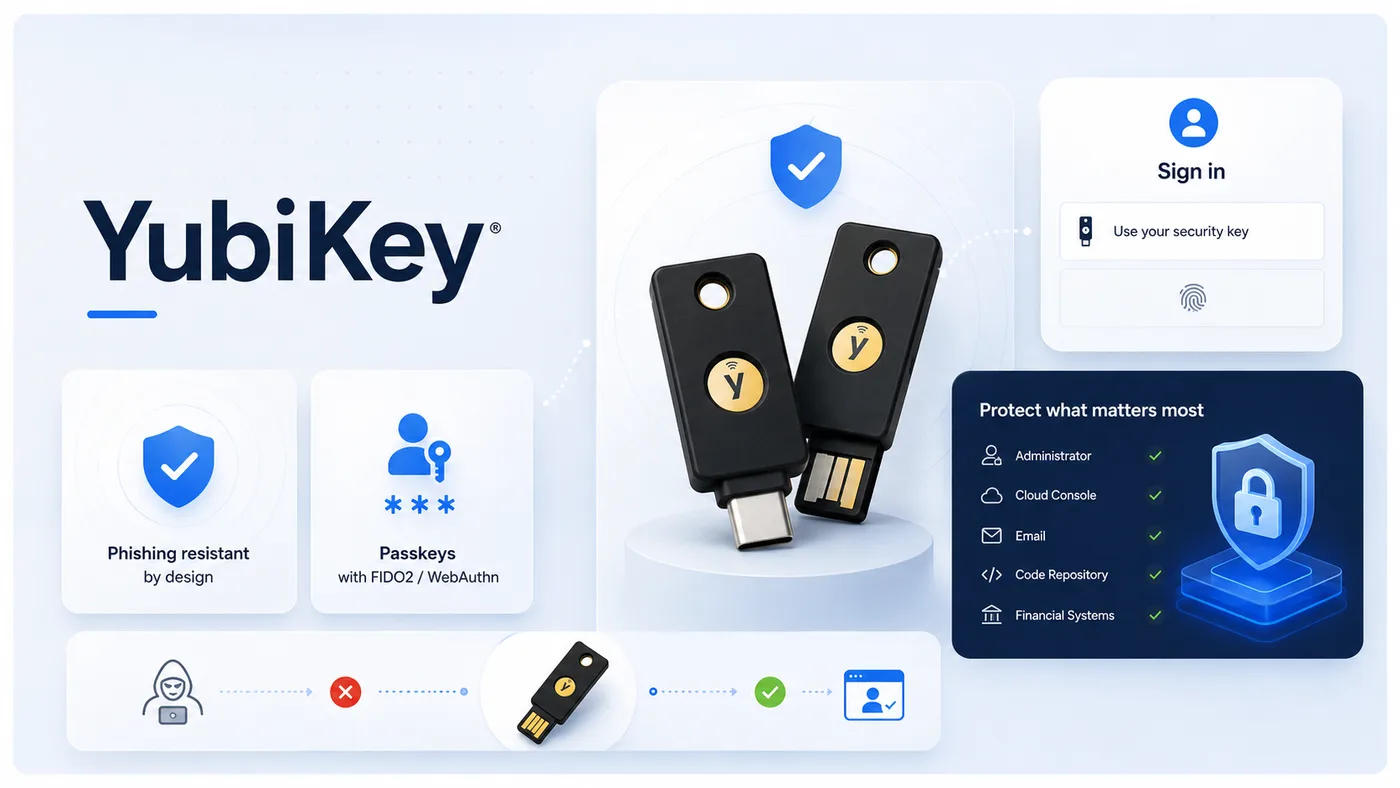
YubiKey is the dominant hardware security key in the enterprise market. It supports FIDO2/WebAuthn, smart-card protocols, and OTP. YubiKeys are typically paired with another MFA platform — Okta, Entra, Duo, Ping — for high-privilege accounts that need phishing-resistant authentication.
Best for: phishing-resistant MFA across high-privilege accounts in any organization, regardless of which MFA platform they otherwise use.
Honest trade-off: a hardware key is a physical object. Distribution, lifecycle, loss, and breakage are all operational considerations that change the total cost of ownership relative to phone-based factors.
How to choose MFA by workforce type
This is the section of the guide that actually answers the buying question. The vendor list above tells you what's available; this section tells you which vendors map to which workforce segments. Read the segment that matches your environment; the shortlist will narrow naturally.
MFA for desk workers
This is the easiest segment because the vendor field is the widest.
Recommended methods: platform biometrics paired with cryptographic credentials (Windows Hello, Touch ID, Face ID), push with number matching, passkeys (synced or device-bound), authenticator app TOTP as a backup.
Vendors that fit: Okta Adaptive MFA, Cisco Duo, Microsoft Entra ID MFA, Avatier Identity Anywhere MFA, Ping Identity, OneLogin MFA, JumpCloud MFA. Any of the major platforms handle this segment competently. The differentiator is integration depth with your existing application portfolio and the maturity of the adaptive policy engine.
What to avoid: SMS-only deployments. SMS OTP no longer meets AAL2 under the recent NIST revisions, and push or platform biometrics are operationally similar with materially better security posture.
MFA for frontline and shared-device workers
This is where the vendor field narrows sharply and where the workforce-segmentation framework makes the buying question concrete.
The buyer scenario is specific: shared workstation, no personal smartphone available during the shift, no company email, and often no phone allowed in the work area. The worker logs in for a short period multiple times per shift. The recovery path for a lost or forgotten factor needs to fit a fast-paced environment without compromising security.
Recommended methods: deviceless challenge-card systems, badge readers paired with biometric kiosks, shared-workstation SSO with a strong primary authentication factor, and PIN-plus-card patterns where regulation permits.
Vendors that fit: Avatier (Identity Challenge Card is purpose-built for this scenario), Imprivata (deep in clinical workflows specifically), HYPR (in some passwordless-first configurations). Most general-purpose MFA platforms don't have a credible answer for the no-personal-device scenario, which is why the buyer field narrows.
What to avoid: any solution that requires a personal mobile device as the primary authentication factor for this population. The constraint is structural, not preferential. If the workforce doesn't carry a personal phone during the shift, phone-based MFA is unenforceable.
MFA for contractors and third parties
The contractor segment has its own physics: short account lifetimes, unmanaged devices, high attack value.
Recommended methods: hardware security keys for privileged contractors, time-bound passkeys where supported, and rapid revocation tied to a contractor lifecycle workflow.
Vendors that fit: any vendor with strong identity lifecycle controls — Okta, Entra, Ping, Avatier, JumpCloud. The MFA method is less the differentiator here than the lifecycle integration that makes sure the credential disappears when the contract ends.
What to avoid: long-lived persistent MFA enrollments that outlive the contractor relationship. The credential should be tied to the contractor record's active status, not granted independently.
MFA for customer-facing (CIAM) users
Customer identity is a different market with different physics. We cover it briefly because most enterprise buyers want a unified vendor view, but the CIAM market has its own evaluation criteria and the workforce-side advice mostly doesn't transfer.
Recommended methods: passkeys (the dominant 2025-2026 pattern), social login with risk-based step-up, and progressive MFA enrollment that doesn't gate sign-up.
Vendors that fit: Okta Customer Identity, Auth0 (now part of Okta), Stytch, Descope, ForgeRock. These are the CIAM-specific vendors. The workforce-MFA vendors above generally have CIAM offerings but the depth varies.
What to avoid: enrollment friction that kills conversion. CIAM MFA economics are different from workforce MFA economics — a 1% drop in sign-up completion can outweigh a measurable security gain.
Cross-cutting evaluation criteria
Beyond the workforce-segment mapping, six criteria are worth scoring every shortlisted vendor against:
- Phishing resistance: which methods does the vendor offer that genuinely reach AAL2 and AAL3? Is the configuration straightforward to enable, or does it require expert work?
- Workforce coverage breadth: does a single platform cover all four workforce segments, or do you need a primary plus a secondary vendor?
- Adaptive policy engine: what signals does the vendor evaluate, what does the policy syntax look like, and how transparent is the engine to the team that has to maintain the policy long-term?
- Compliance certifications: SOC 2 Type II is table stakes. Depending on industry, look for FedRAMP, HIPAA business associate agreements, PCI DSS evidence, NIS2 alignment for EU operations, and DORA for EU financial services.
- Integration depth: depth, not just count. A 500-application catalog is less useful than 50 deeply-integrated applications that match your portfolio.
- Total cost of ownership: seat licensing, hardware token cost, support overhead, integration cost, and the cost of any workforce segments the primary solution can't cover.
Implementing enterprise MFA: a phased rollout
MFA deployment is where buyer's guides typically run out of depth. The phased pattern below reflects what enterprise rollouts actually look like rather than what vendor marketing suggests.
Phase 1 — Identity threat assessment and method selection
Before choosing a method, inventory the identities. Privileged accounts, service accounts, contractor accounts, frontline accounts, customer accounts. Map each population to the workforce segment it falls into. The output of this phase is a method-per-population matrix that defines what "MFA" means for each segment of the workforce. This matrix is the buying brief.
Phase 2 — Pilot with high-privilege accounts
The pilot should run on the population where the security gain is highest and the population size is smallest. Domain admins, finance leadership, executive assistants, anyone with broad access to high-value data. Run the pilot with phishing-resistant authenticators — hardware keys, FIDO2, or platform biometrics paired with cryptographic credentials. The pilot validates the method choice, the enrollment process, and the help-desk pattern before it gets stress-tested at scale.
Phase 3 — Workforce-segmented rollout
Roll out to the easy segment first. Desk workers are usually the largest population and the simplest deployment. Then frontline, then contractors, then customer-facing if applicable. The reason for this order is operational: desk workers absorb the help-desk learning curve, frontline gets the benefit of a hardened process, and contractor lifecycle integration ships when the rest of the platform is stable. Rolling out frontline first because it's "where the risk is" usually produces a help-desk crisis.
Phase 4 — Monitoring and adaptive policy tuning
The rollout doesn't end at coverage. Once everyone is enrolled, the work shifts to policy tuning: which signals trigger step-up, which populations get exceptions, how the help-desk verifies callers when the primary MFA is unavailable. This phase is continuous. Treat it as an operational discipline, not a project that ends.
Common MFA implementation pitfalls
A small number of failure modes account for most of the problems organizations report in MFA deployments. Five recur consistently.
Deploying SMS-only and calling it phishing-resistant
SMS OTP is not phishing-resistant. CISA's guidance is explicit on this point. Deploying SMS MFA and treating the project as complete creates a false sense of security and leaves high-privilege accounts exposed to real-time phishing kits. SMS is appropriate as a transitional factor for non-privileged accounts and as a recovery path; it is not a destination architecture.
Forgetting frontline workers in the rollout
The most common rollout pattern is a desk-worker pilot, a desk-worker phase 2, and then a planning meeting where someone realizes the frontline population was never scoped. The fix is to identify the frontline segment during the identity assessment in phase 1 and make sure the method-per-population matrix has a credible answer for frontline before phase 2 begins.
Skipping adaptive policy on day one
A static "challenge always" MFA policy creates friction without managing risk. Adaptive policies — challenge more aggressively on new device, on new geography, on impossible-travel signals — produce better security with less operational friction. Configure adaptive policy from day one even if the initial policy is conservative; the policy can be tuned, but a deferred adaptive rollout often doesn't ship.
Allowing recovery paths that bypass MFA
The recovery path is where most MFA implementations get socially engineered. If the help-desk can reset MFA over a phone call with knowledge-based verification, attackers will pivot to the help-desk. The recovery path needs to use the same identity verification standard as the primary authentication, or a stronger one. This is the question that "what happens when MFA breaks during business hours" really gets at.
Auditing MFA enrollment instead of MFA usage
A 98 percent enrollment rate does not prove a 98 percent usage rate. Users with multiple registered authenticators may default to the weakest one. Audit the actual authentication events, not just the enrollment status. Vendor reporting tools support this, but the default dashboards usually surface enrollment.
Measuring enterprise MFA success
A small set of metrics tells you whether the program is working. Pick four to six and report on them monthly.
- Enrollment rate by workforce segment. Desk, frontline, contractor, customer. Report the segments separately; aggregate numbers hide gaps.
- Phishing-resistant method adoption rate. What share of authentications use a phishing-resistant method? This is the leading indicator of attack surface reduction.
- Account takeover incident rate. The trailing indicator. Pre and post deployment, and segmented by population.
- Help-desk MFA-related ticket volume. A spike post-rollout is normal; a sustained elevated baseline is not.
- Compliance audit pass rates. PCI DSS v4.0 Requirement 8.4, HIPAA Security Rule, SOC 2 CC6.1. Specific controls, not blanket "MFA implemented" claims.
Frequently asked questions
The FAQ section above (in the article frontmatter and visible at the page tail) covers the most common questions enterprise buyers ask, including AAL2 method eligibility, shared-device MFA, cost ranges, and what happens when MFA breaks during business hours. The answers reflect the framing in this guide: methods, not products; workforce types, not generic populations.
If your evaluation includes shared-device, frontline, or contractor populations, the Avatier Identity Challenge Card is one of the few capabilities purpose-built for that scenario. If your evaluation is desk-first and Microsoft-stack-aligned, Entra ID MFA is likely already in your licensing. If you're consolidating identity vendors, the workforce-coverage breadth criterion in this guide is the one to score heavily. The right MFA solution for your organization depends on which workforce you're protecting — and the answer is rarely just one product.
About the author
More from Buyer's Guides
15 Best Passwordless Authentication Solutions for Enterprises in 2026
A 2026 buyer's guide to enterprise passwordless authentication, segmented by workforce type. Compare 15 vendors across desk, frontline, contractor, and customer use cases.

Multilingual MFA in 34 Languages: Avatier's Identity Challenge Card
Avatier's Identity Challenge Card ships in 34 languages, including right-to-left Arabic and CJK scripts. Same card, same three-factor flow, localized for every worker.

The Identity Challenge Card in Apple, Google and Samsung Wallet
Avatier's Identity Challenge Card can be added to Apple Wallet, Google Wallet or Samsung Wallet, alongside the printed card. When to reach for the wallet card, and when for the printed one.